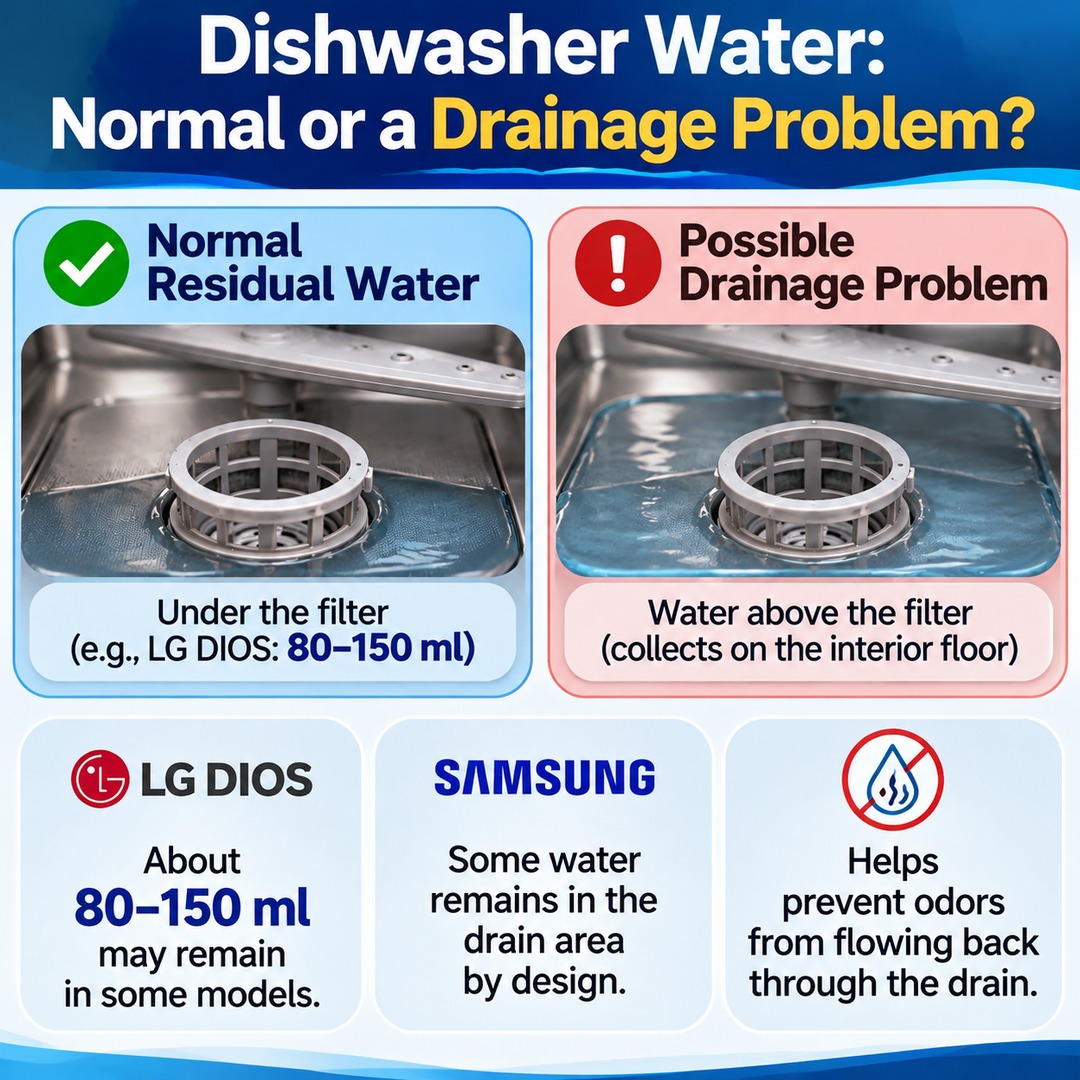

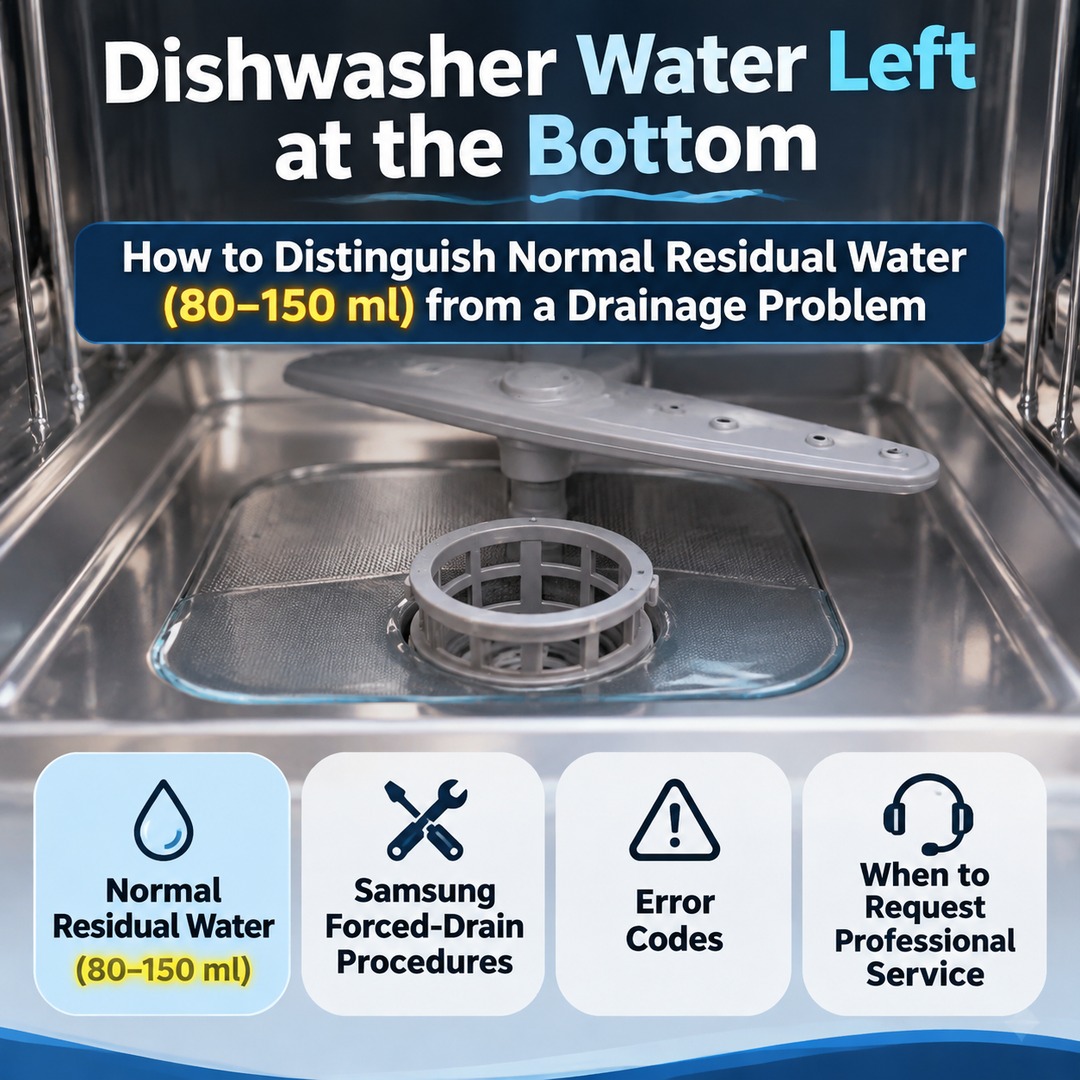
A small amount of water may remain at the bottom of a dishwasher even after the wash cycle has finished. In some LG DIOS models, approximately 80–150 ml of residual water beneath the filter is normal. Samsung dishwashers are also designed to retain some water inside the drain area. However, if water collects above the drainage filter, you should investigate a possible drainage problem.
Seeing water when you open the dishwasher after a cycle does not automatically mean the drain pump is broken. The important factors are where the water is located and whether it drains properly when you run a forced-drain operation.
How Much Water at the Bottom of a Dishwasher Is Normal?
Normal residual water is the water that remains beneath the drainage filter. Some dishwashers are designed not to remove every last drop of water from the interior. In certain models, retaining water also helps prevent odors from flowing back through the drainage system.
LG's official guidance explains that approximately 80–150 ml of water may remain at the bottom of certain DIOS dishwashers after a cycle because of their internal design. LG describes this amount as roughly equivalent to a height of two or three finger joints.
This figure applies to the specific LG DIOS guidance and is not a universal specification for all dishwashers.
Samsung Electronics also identifies water remaining in the drain area beneath the filter after drainage as a normal condition. According to its explanation, because the drain hose connects to the sink's wastewater plumbing, residual water inside the drain helps prevent unpleasant odors from flowing back into the appliance.
Therefore, the mere presence of residual water is not sufficient reason to suspect a faulty drain pump.
Water Below the Filter vs. Water Above the Filter: Location Matters
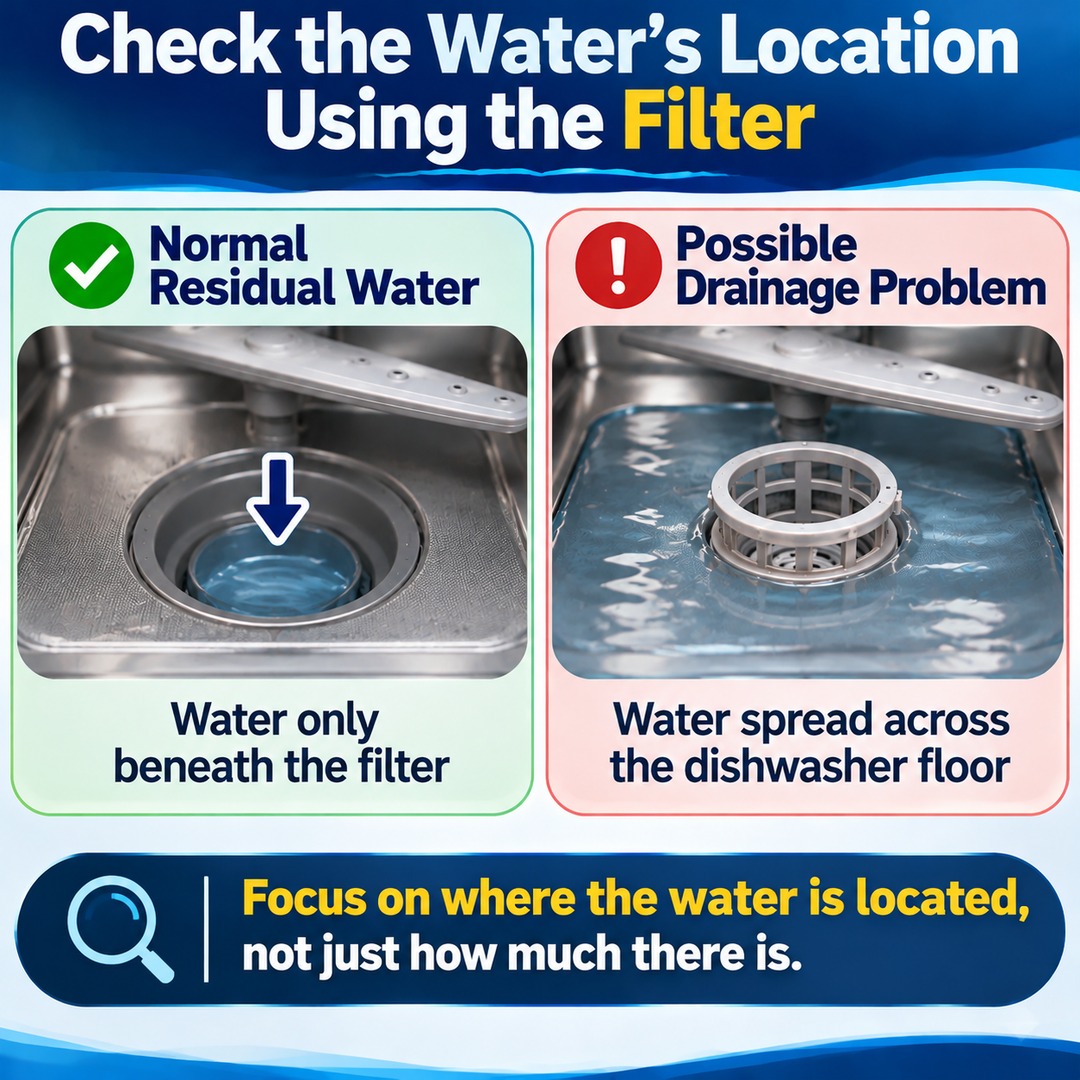
When checking for a dishwasher drainage problem, use the filter as the reference point to identify where the water is collecting.
| Category | Below the Filter | Above the Filter |
|---|---|---|
| Water location | Inside the drain area | On the dishwasher floor |
| Normal condition? | May be normal residual water | Requires a drainage check |
| Odor prevention | Residual water may serve this purpose | Not relevant to this criterion |
| First action | Check the model-specific residual-water guidance | Inspect the filter and drainage operation |
| If the condition persists | Continued use may be appropriate if there are no other symptoms | Consider professional inspection |
For example, if you can see water beneath the filter only after removing it, while the dishwasher floor itself remains free of pooled water, the condition is more likely to be normal residual water.
By contrast, if water has spread across the dishwasher floor even without removing the filter, you should investigate a possible drainage malfunction.
Checking the water's location first is more reliable than judging whether the amount alone looks excessive.
What to Check First When the Dishwasher Does Not Drain Properly
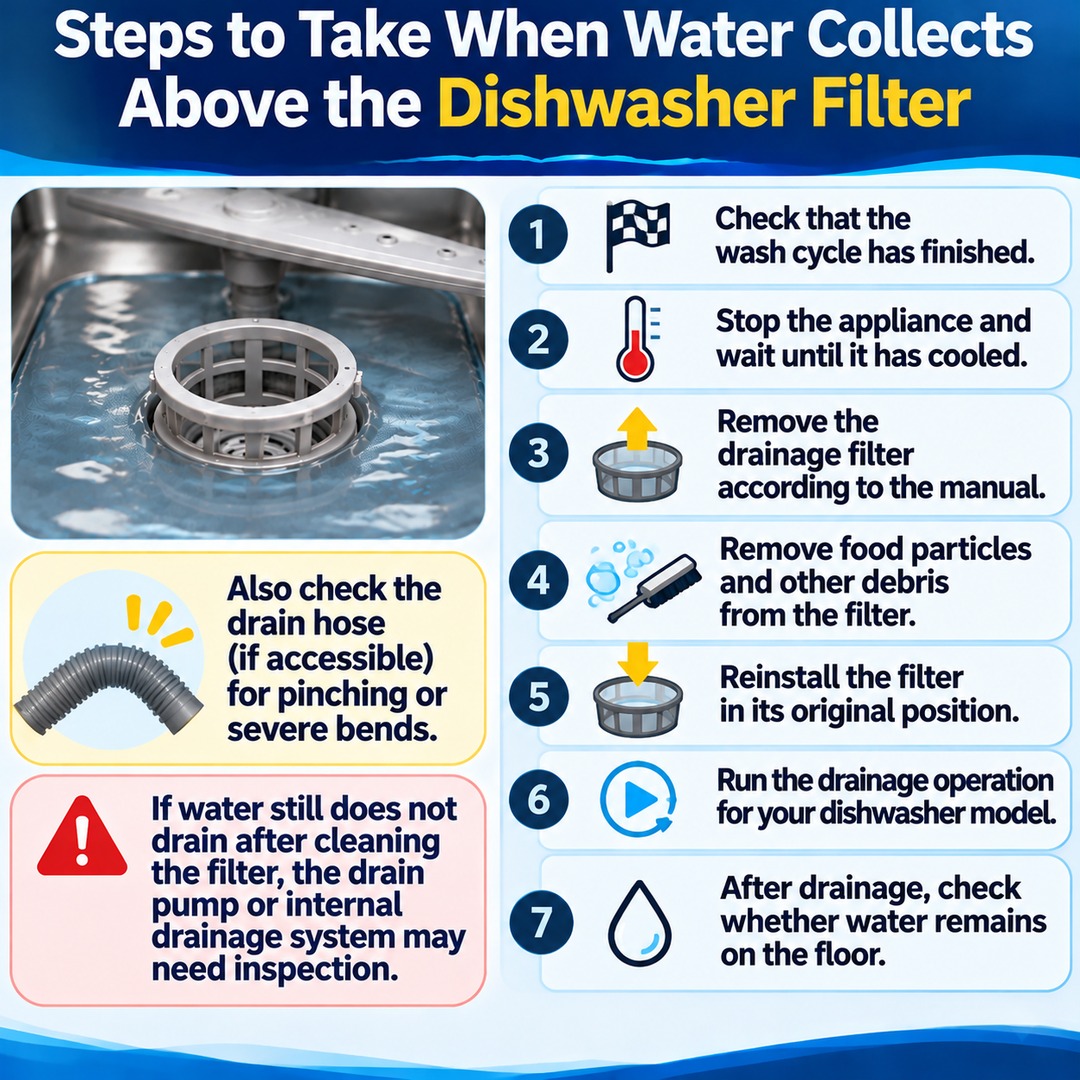
If water has collected above the filter, start by checking the drainage filter. Food particles and foreign objects trapped in the filter can interfere with proper drainage.
Follow these steps:
1. Check that the wash cycle has completely finished.
2. Stop the appliance and wait until the interior has cooled.
3. Remove the drainage filter according to the user manual.
4. Remove food particles and other debris attached to the filter.
5. Reinstall the filter correctly in its original position.
6. Run the drainage operation specified for your dishwasher model.
7. After drainage, check whether water remains on the floor above the filter.
If the drain hose is externally accessible, you can also check for pinching or severe bends. However, you do not need to pull a built-in dishwasher out yourself or disassemble its connections.
If the water still does not drain after cleaning the filter, the drain pump or internal drainage system may need inspection.
Forced-Drain Procedures Differ Between LG and Samsung Dishwashers
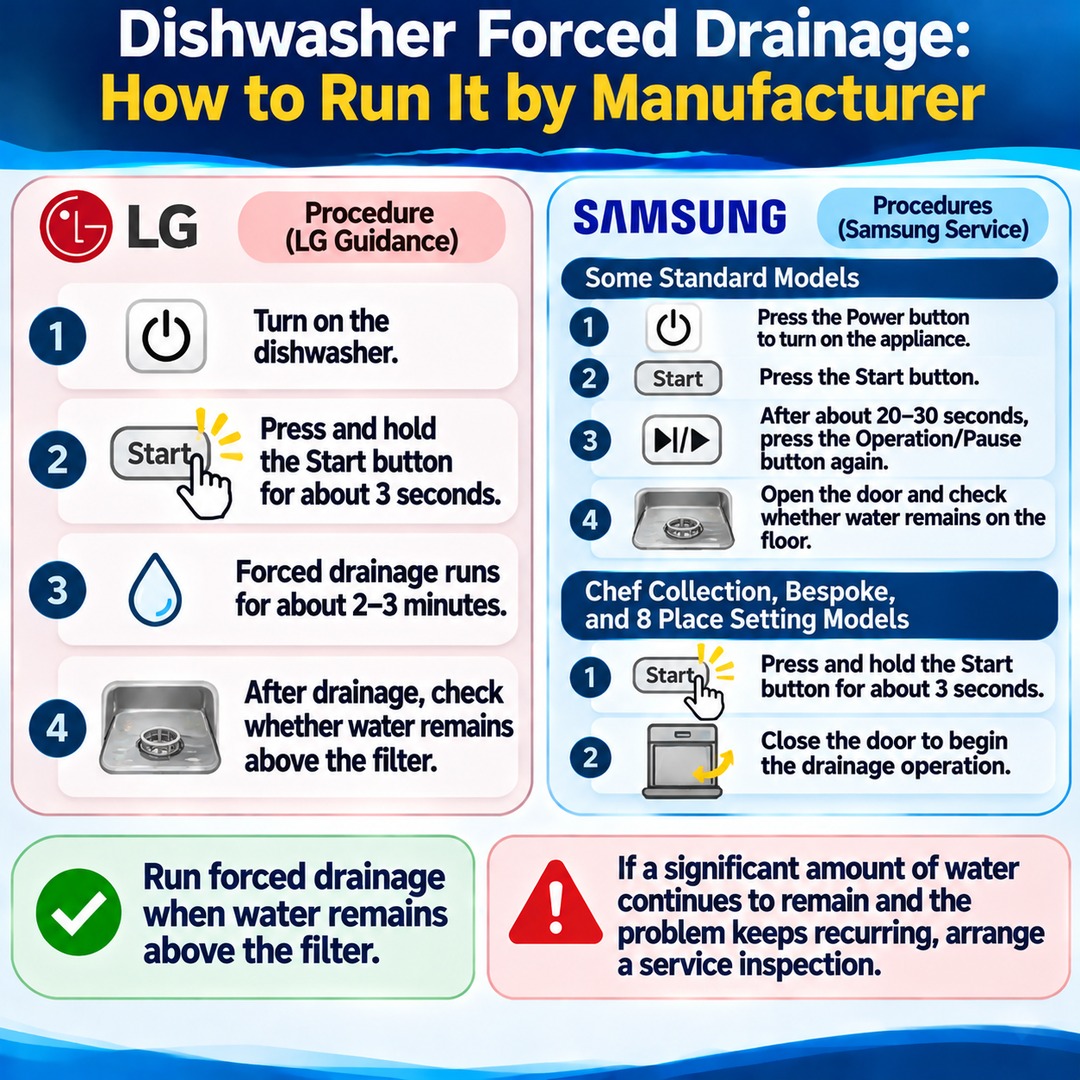
Forced drainage activates the dishwasher's drainage function to remove water remaining inside the appliance. Button operations differ by manufacturer and model, so do not automatically apply instructions for another dishwasher.
LG DIOS Dishwashers
The following procedure is described in LG's official guidance:
Turn on the dishwasher.
Press and hold the Start button for approximately 3 seconds.
The appliance cancels its current operation and runs forced drainage for approximately 2–3 minutes.
After drainage finishes, check whether water remains on the floor above the filter.
LG recommends running forced drainage when water remains above the filter.
If a significant amount of water continues to remain after forced drainage, and the problem keeps recurring, arrange a service inspection.
Samsung Dishwashers
The following are model-specific procedures described in Samsung Electronics Service guidance.
Some standard models
Press the Power button to turn on the appliance.
Press the Start button.
After approximately 20–30 seconds, press the Operation/Pause button again.
Open the door and check whether water remains on the dishwasher floor.
Some Chef Collection, Bespoke, and 8-place-setting models
Press and hold the Start button for approximately 3 seconds.
Close the door to begin the drainage operation.
Samsung Electronics Service includes models in the DW60 and DW50 series as examples.
Because the control panels and operating procedures can vary by model, always consult the user manual for your actual appliance first.
What If a Drainage Error Appears or Water Keeps Collecting?
If a drainage error repeatedly appears or water remains above the filter even after forced drainage, the problem is unlikely to be ordinary residual water.
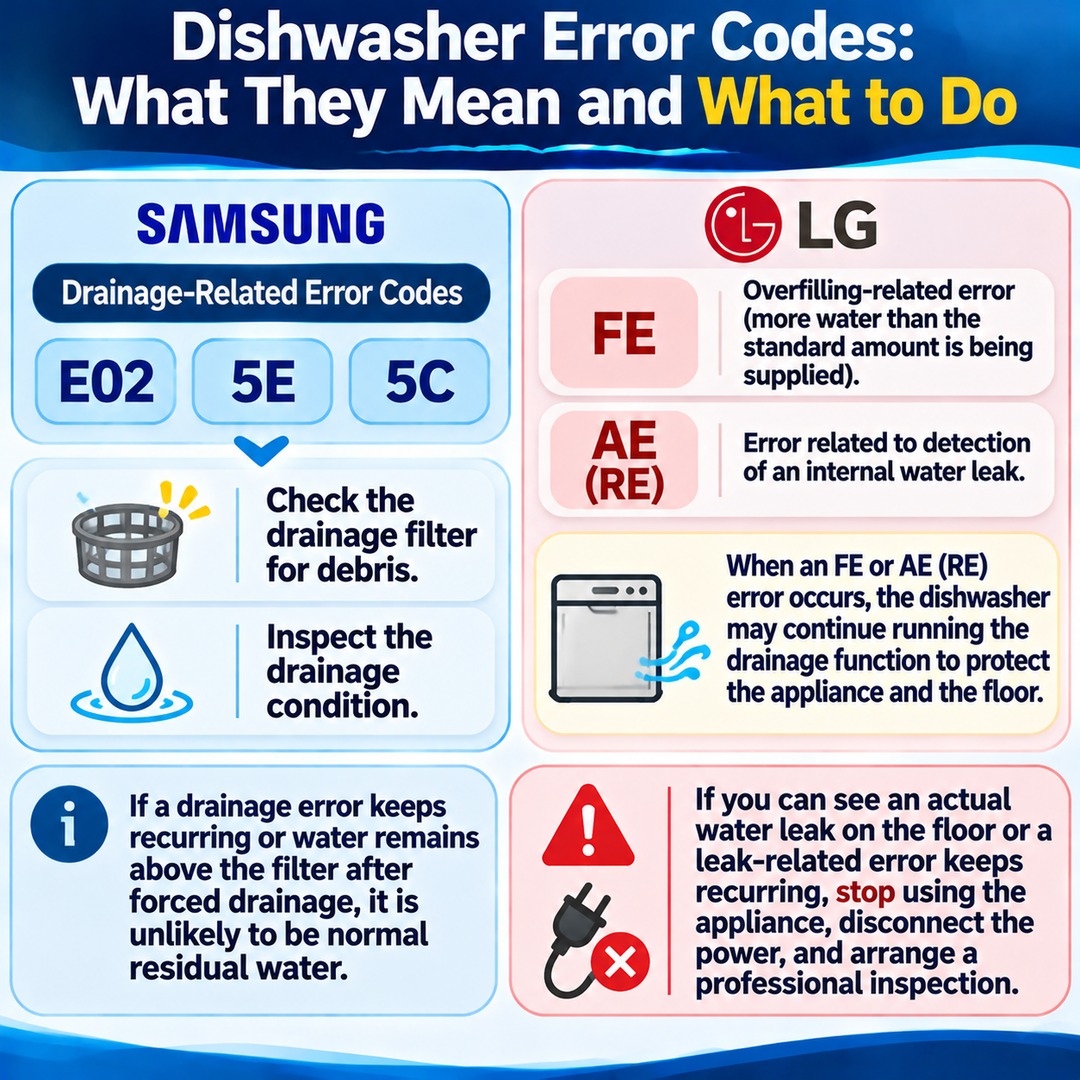
For Samsung dishwashers, separate guidance is available for drainage-related error codes such as E02, 5E, and 5C. If one of these codes appears, check the drainage filter for debris and inspect the drainage condition.
LG dishwashers require you to distinguish between FE and AE (RE) errors.
FE: An overfilling-related error indicating that more water than the standard amount is being supplied.
AE (RE): An error associated with detection of an internal water leak.
LG explains that when an FE or AE (RE) error occurs, the dishwasher may continue operating its drainage function to protect the appliance and the floor.
Therefore, hearing the drain pump run continuously does not necessarily mean the pump itself is defective.
In particular, if you can see an actual water leak on the floor or a leak-related error keeps recurring, stop using the appliance. Following LG's guidance, disconnect the power and arrange a professional inspection.
When Should You Request Dishwasher Repair Service?
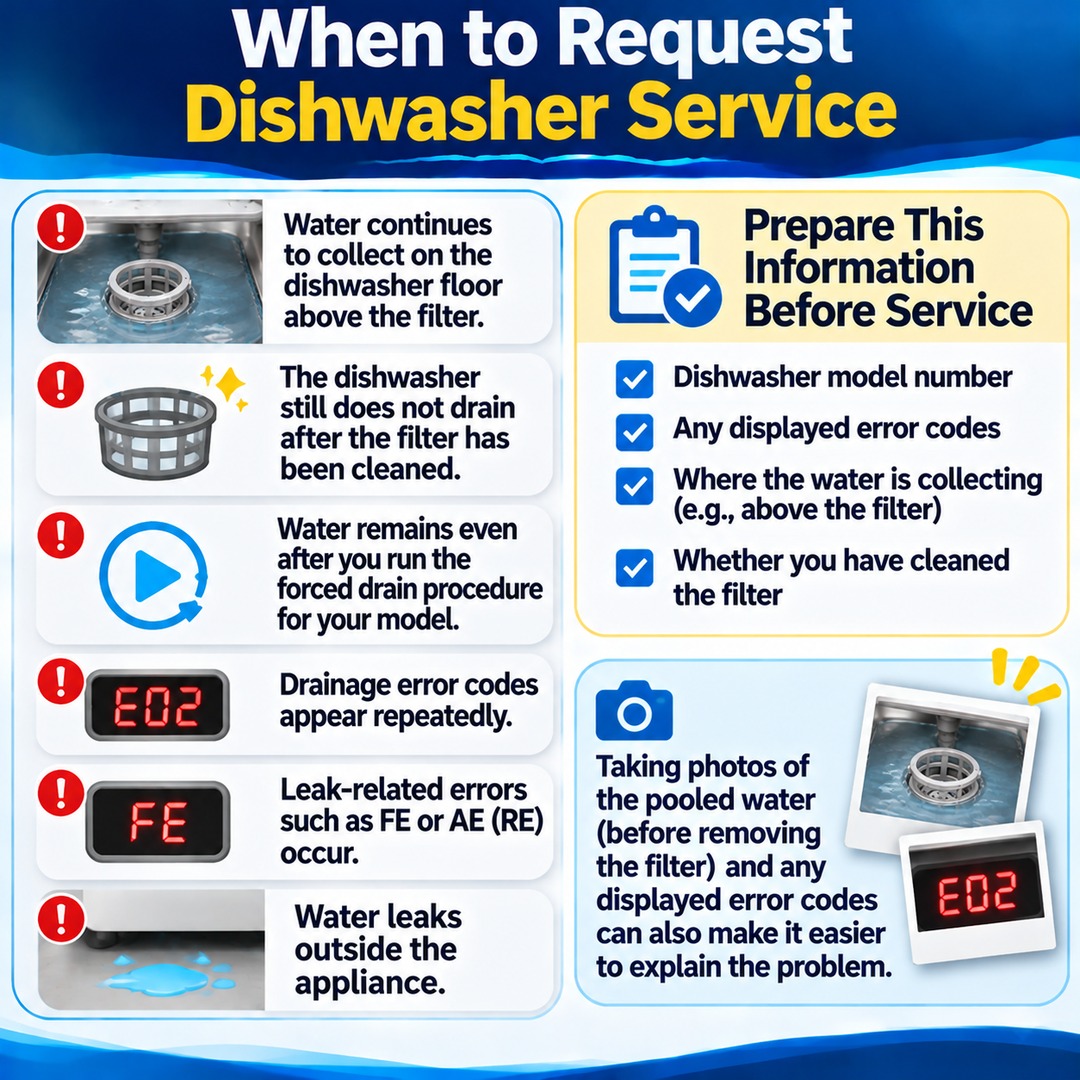
If you notice any of the following conditions, do not assume that routine residual-water management will solve the problem.
Water continues to collect on the dishwasher floor above the filter.
The dishwasher still does not drain after the filter has been cleaned.
Water remains even after you run the forced-drain procedure specified for your model.
Drainage error codes appear repeatedly.
Leak-related errors such as FE or AE (RE) occur.
Water leaks outside the appliance.
Before requesting service, make a note of the dishwasher's model number, any displayed error codes, where the water is collecting, and whether you have cleaned the filter. Taking photographs of the pooled water before removing the filter and of any displayed error codes can also make it easier to explain the problem.
Do You Need to Remove Dishwasher Residual Water Every Time?
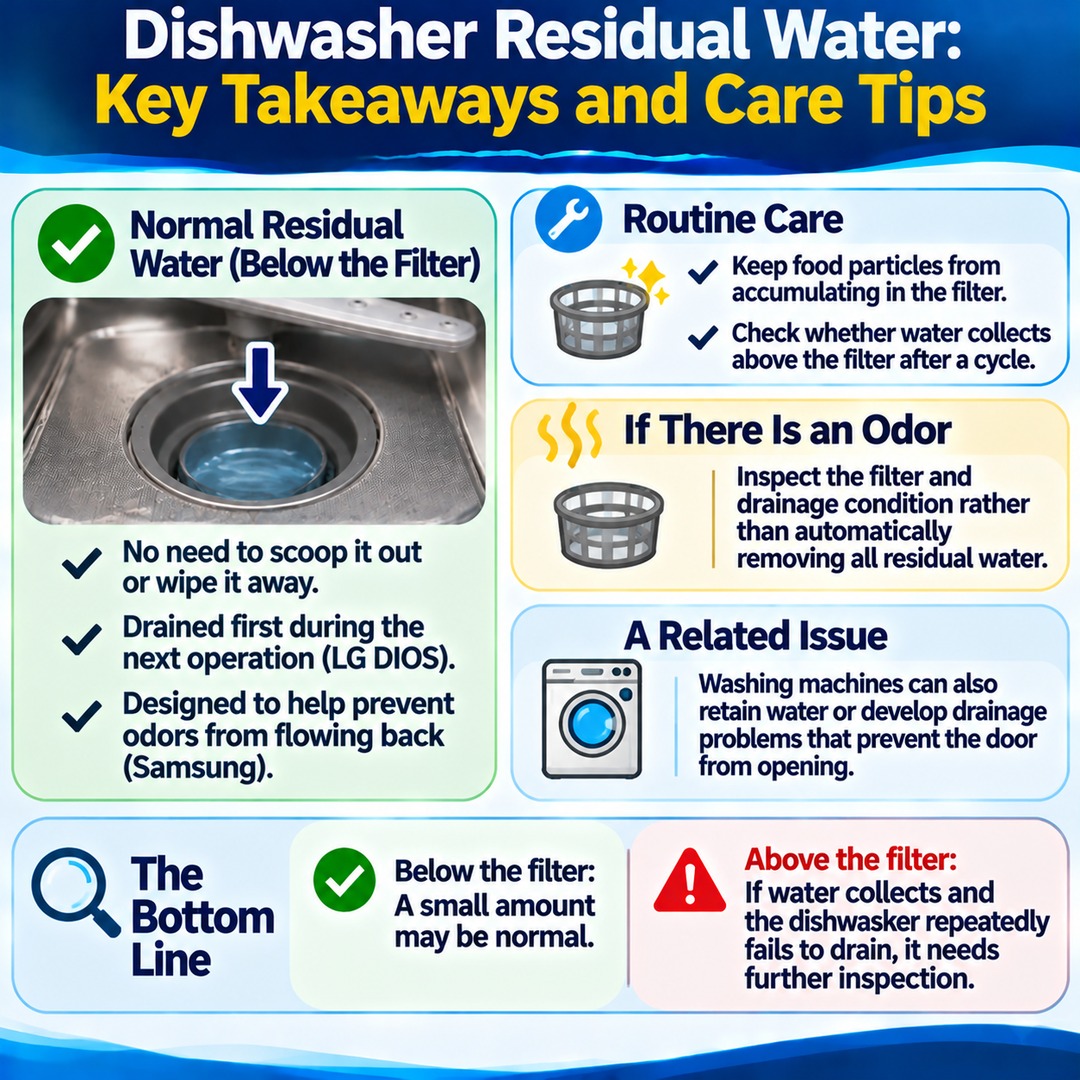
If the water is normal residual water beneath the filter, there is no need to scoop it out or wipe it away after every cycle.
LG DIOS explains that residual water retained by the appliance's design is drained first during the next operation. Samsung likewise describes water inside the drain area as normal residual water.
Repeatedly trying to remove all the water because you do not understand this design can result in unnecessary cleaning.
For routine maintenance, keep food particles from accumulating in the drainage filter and check whether water collects on the floor above the filter after a cycle finishes.
If your dishwasher develops an unpleasant odor, inspect the filter and drainage condition rather than automatically removing all residual water. Normal residual water may itself help prevent odors from flowing back through the wastewater system.
Washing machines can also retain water or develop drainage problems that prevent the door from opening. Similar drainage-related issues may require checking the appliance's filter and drainage system.
If you see water at the bottom of your dishwasher, first determine whether it is below or above the filter. A small amount beneath the filter may be normal. However, if water collects above the filter and the appliance repeatedly fails to drain, the dishwasher needs further inspection.