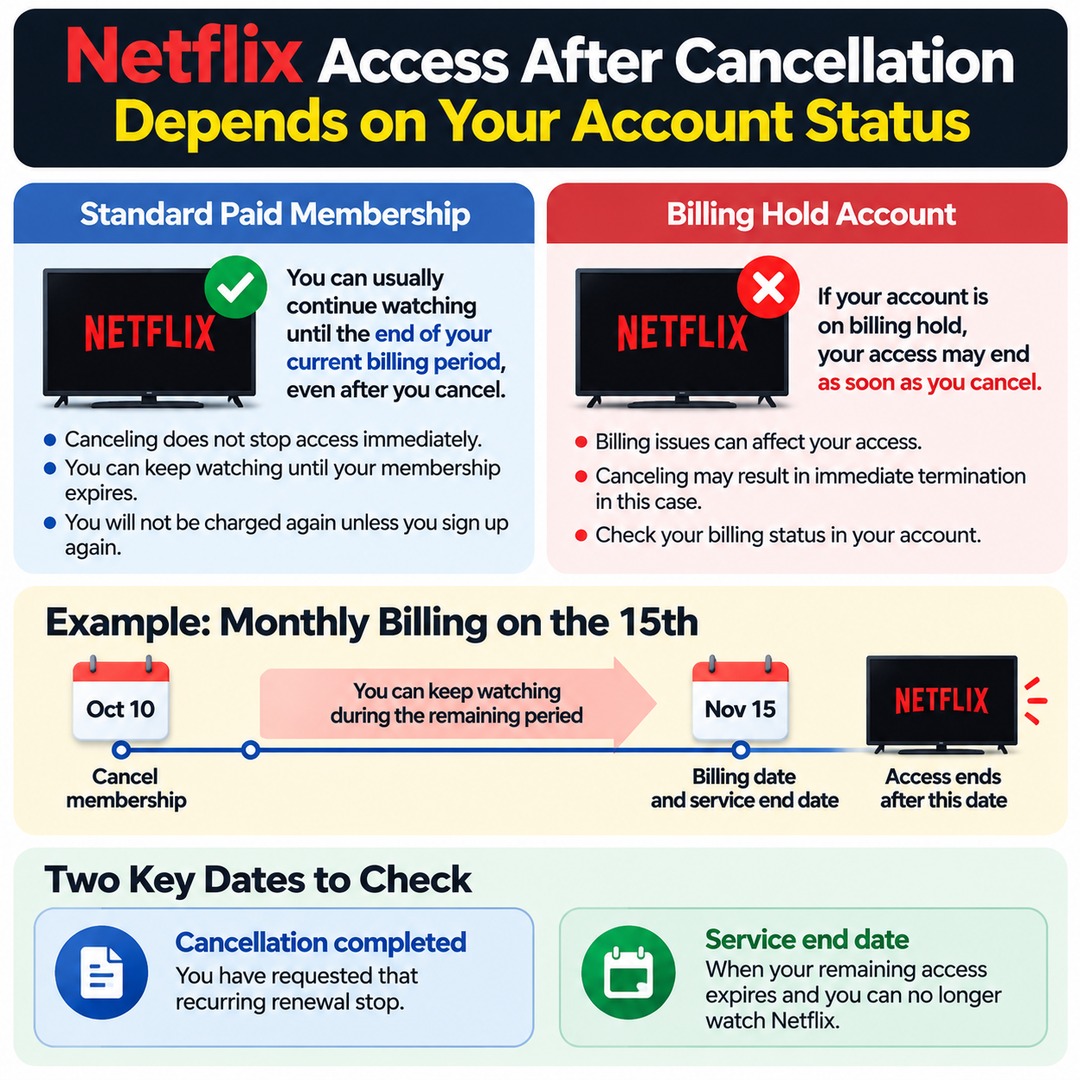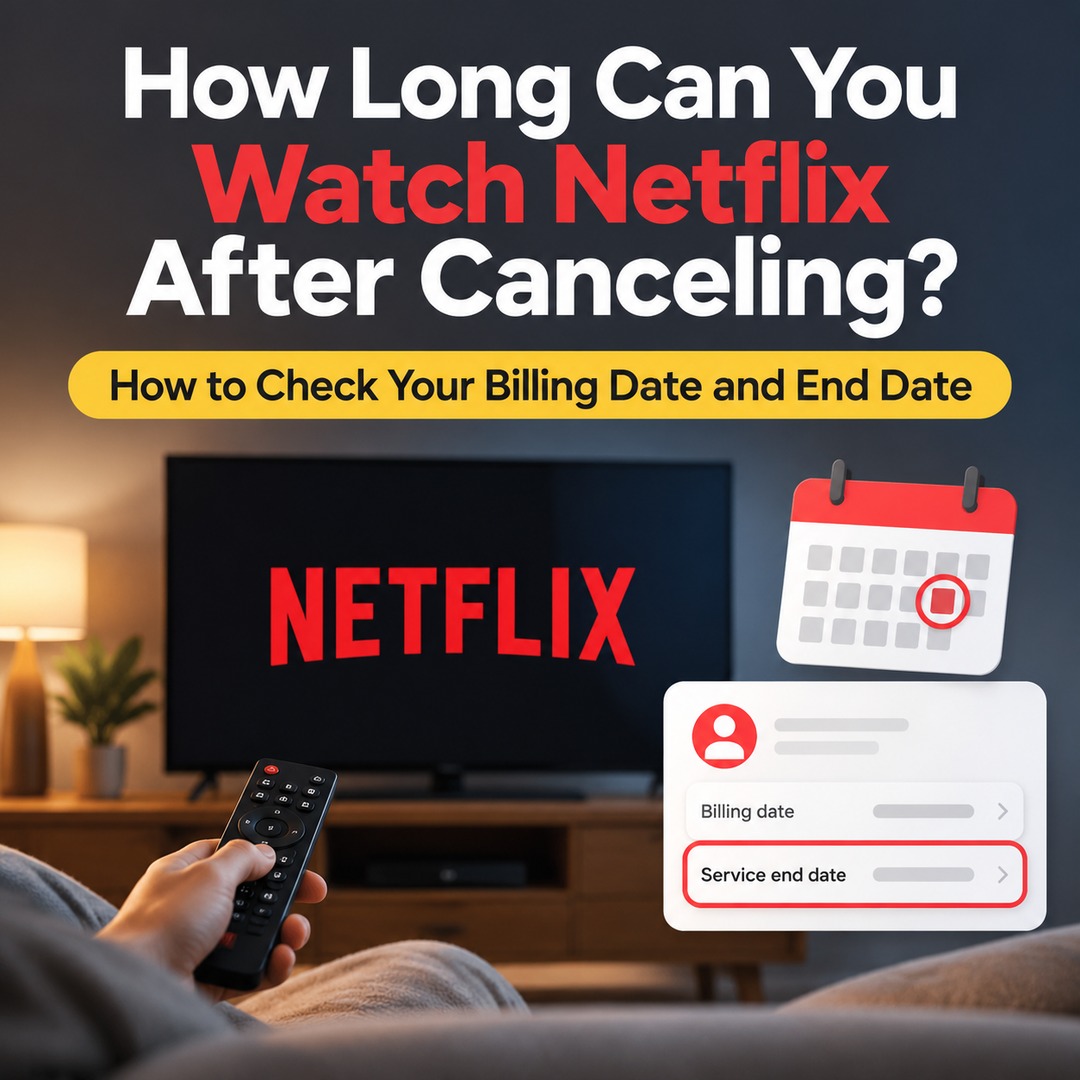
Netflix generally allows you to continue watching until the end of your already-paid billing period, even after you cancel your membership. Clicking the cancellation button does not automatically stop your access immediately. However, if your account is on billing hold, your access may end as soon as you cancel. Check your next billing date and actual service end date in your account to confirm when your access will stop.
Can You Watch Netflix Until Your Next Billing Date After Canceling?
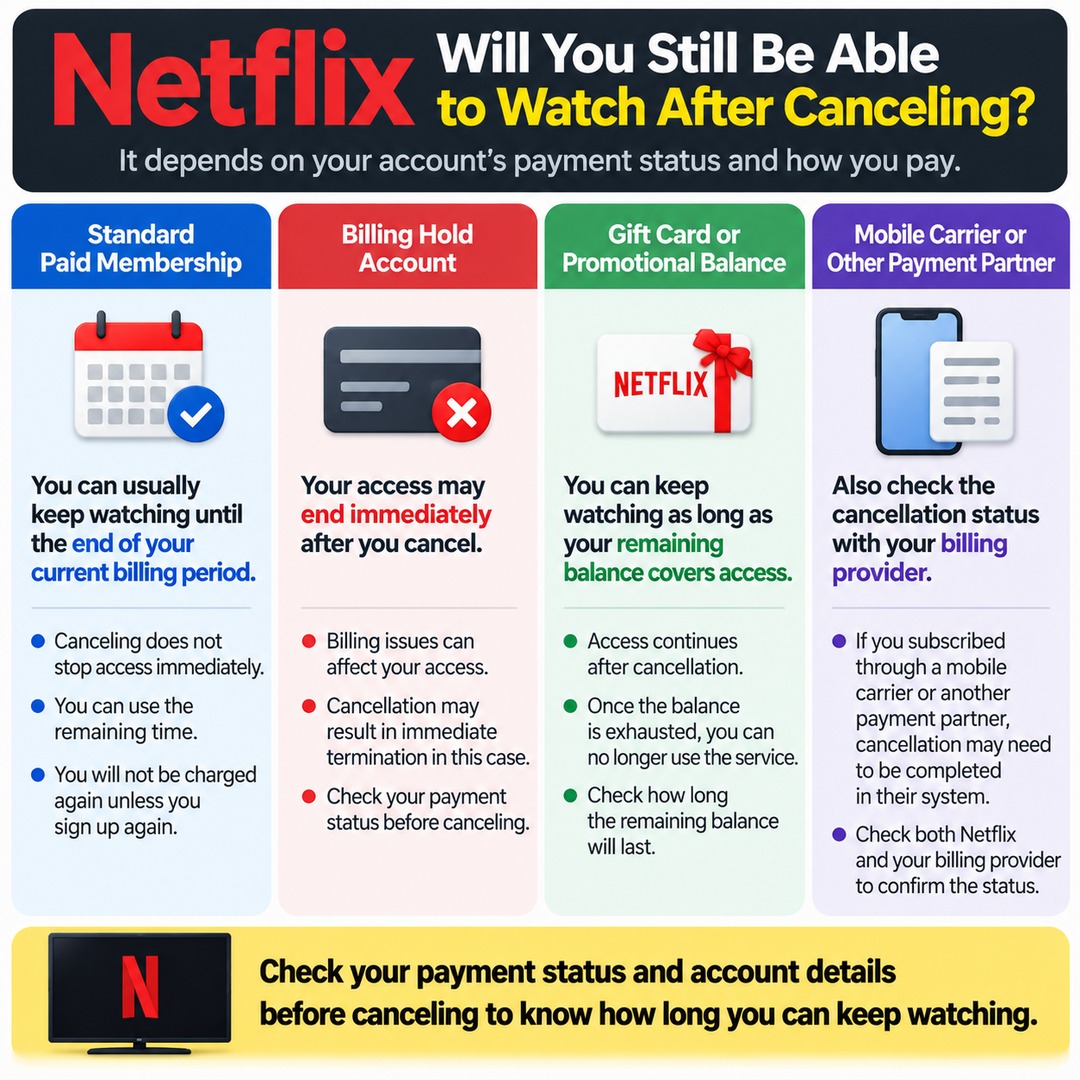
With a standard paid membership, you can generally continue using Netflix for the remainder of your billing period after cancellation. Once your cancellation is successfully completed, you can keep watching until your membership expires, and you will not be charged recurring membership fees again unless you sign up again.
For example, if your account is billed on the 15th of each month and your access continues until the next billing cycle, canceling on the 10th allows you to use the remaining time in your current billing period. To determine the exact end date, check the billing details and membership status displayed in your account.
There are two important things to distinguish:
Cancellation completed: You have requested that your recurring membership renewal stop.
Service end date: The point when your remaining access expires and you can no longer watch Netflix.
These two events may occur at different times. If Netflix still plays content immediately after you cancel, that does not necessarily mean the cancellation failed.
Can Netflix Stop Working Immediately After Cancellation?
Yes. If your Netflix account is on billing hold, your access may end immediately when you cancel. This can differ from the usual situation in which a paid billing period remains. It is therefore a good idea to check your account's payment status before canceling.
Accounts funded by gift cards or promotional balances may also have different end dates. According to Netflix's guidance, you can continue using the service after cancellation for as long as the remaining balance covers your access. Once the balance is exhausted, you will no longer be able to use the service.
You can assess whether you will be able to keep watching after cancellation as follows:
If your account is in good payment standing and time remains in your billing period, you can use the remaining period.
If your account is on billing hold, your access may end immediately after cancellation.
If you have a gift card or promotional balance, check how long the remaining balance will cover your access.
If you subscribed through a mobile carrier or another payment partner, also check the cancellation status through that billing provider.
Where Can You Check Your Actual Netflix Service End Date?
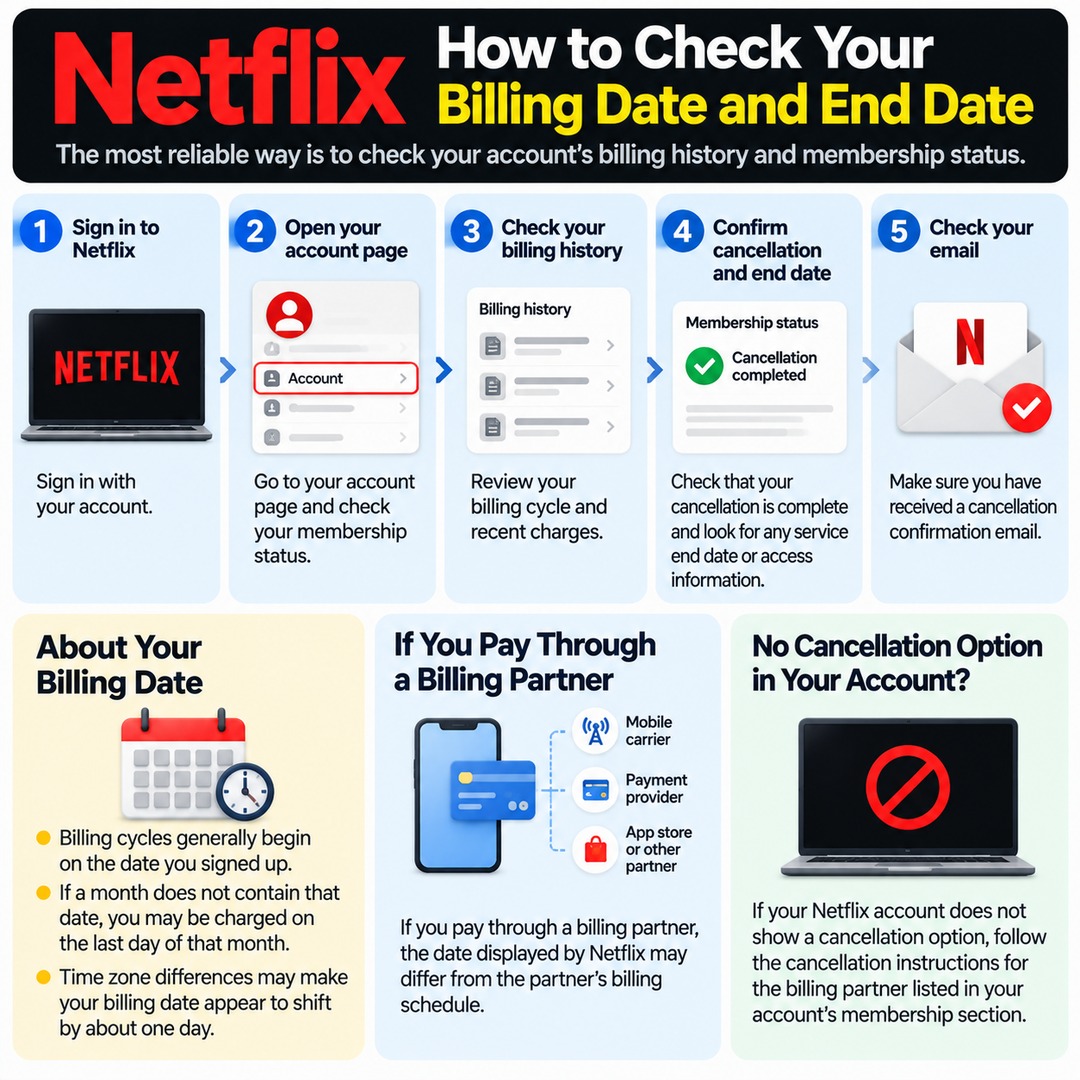
The most reliable approach is to check the billing history and membership status in your Netflix account. Rather than estimating the end date from your billing date alone, prioritize the information displayed in your account.
1. Sign in to Netflix.
2. Open your account page and check your membership status.
3. Go to your billing history and review your billing cycle and recent charges.
4. Confirm that your cancellation is complete and check any service end date or access information shown in your account.
5. Check whether you have received a cancellation confirmation email.
Netflix billing cycles generally begin on the date you signed up. However, if a month does not contain that calendar date, you may be charged on the last day of that month. Time zone differences may also make your billing date appear to shift by approximately one day.
If you pay through a billing partner, the date displayed by Netflix may differ from the partner's billing schedule. If your Netflix account does not show a cancellation option, follow the cancellation instructions for the billing partner identified in your account's membership section.
What If There Is No Cancellation Button or You Are Unsure Whether Cancellation Worked?
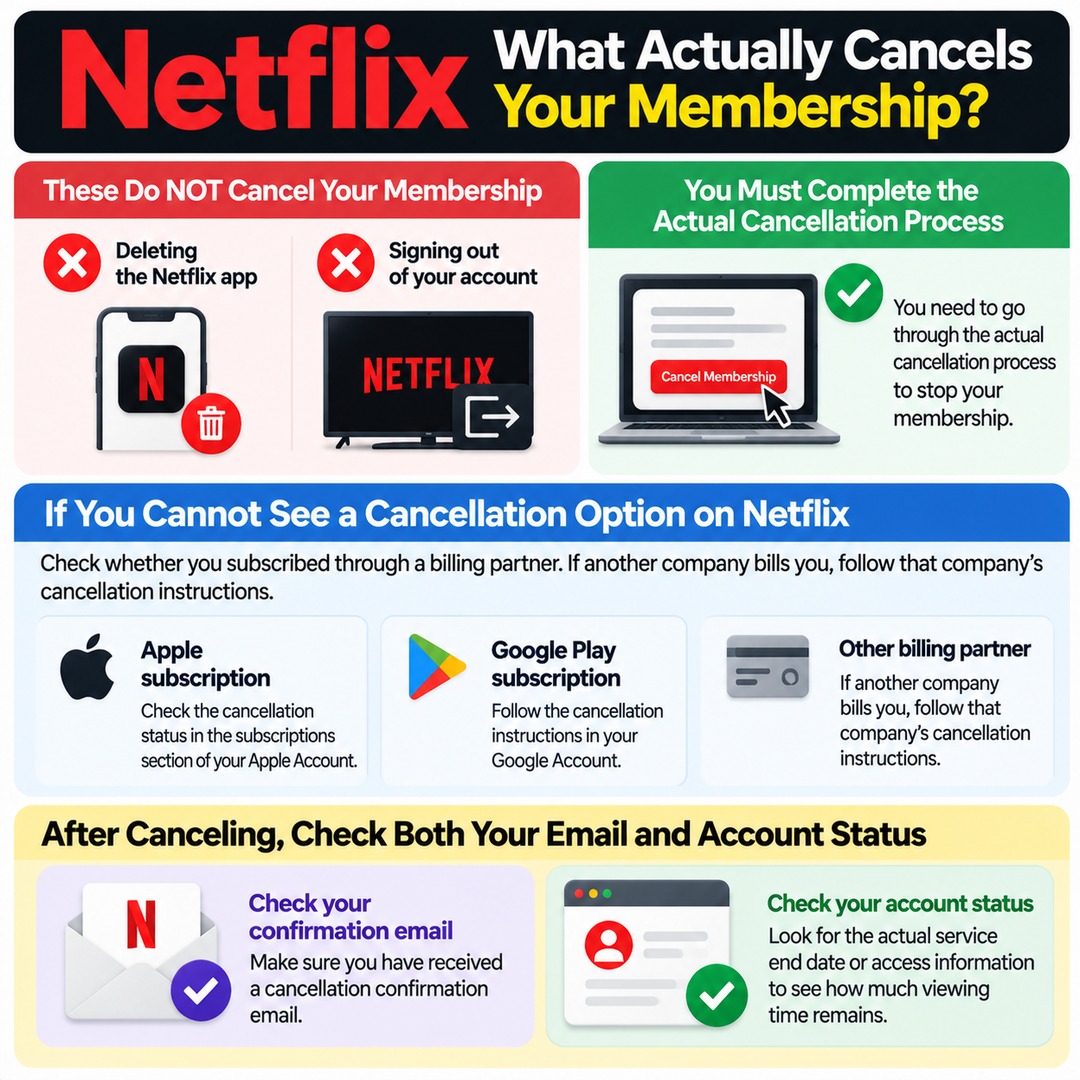
Deleting the Netflix app or signing out of your account does not cancel your membership. You must complete the actual cancellation process.
If you cannot see a cancellation option in your Netflix account, check whether you subscribed through a billing partner. For example, if you subscribed through Apple, you can check the cancellation status in the subscriptions section of your Apple Account. If another company bills you, follow that company's cancellation instructions.
After completing the cancellation process, it is a good idea to check both your confirmation email and your account status. Even if you receive a cancellation confirmation, checking the actual service end date separately will help you determine how much viewing time remains.
What to Check Before Canceling Netflix
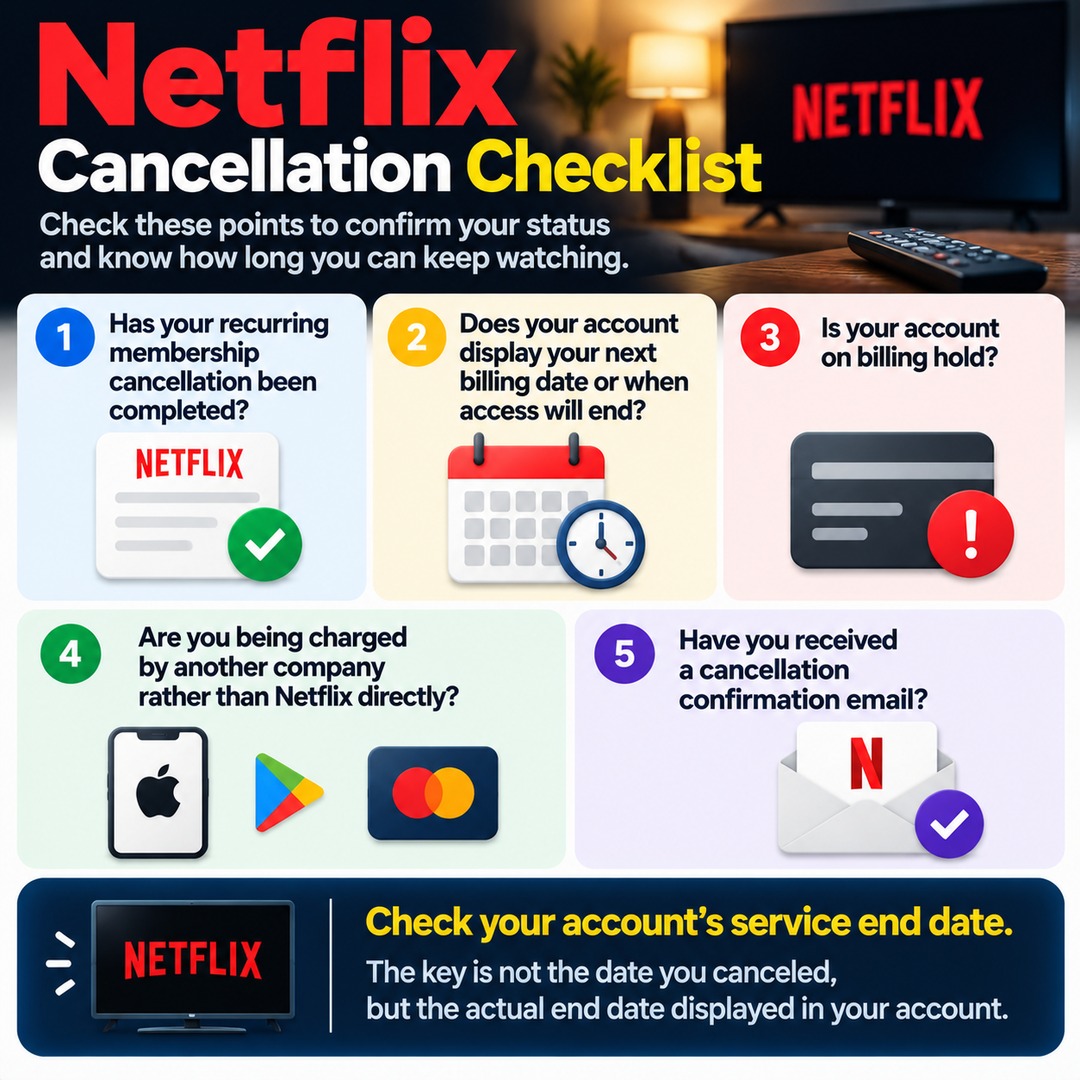
Has your recurring membership cancellation been completed?
Does your account display your next billing date or information about when access will end?
Is your account on billing hold?
Are you being charged by another company rather than Netflix directly?
Have you received a cancellation confirmation email?
If you want to make use of your remaining viewing time even if you no longer plan to use Netflix regularly, check that your cancellation is complete and confirm the expected end date first. The key is not the date you canceled, but the actual service end date displayed in your account.