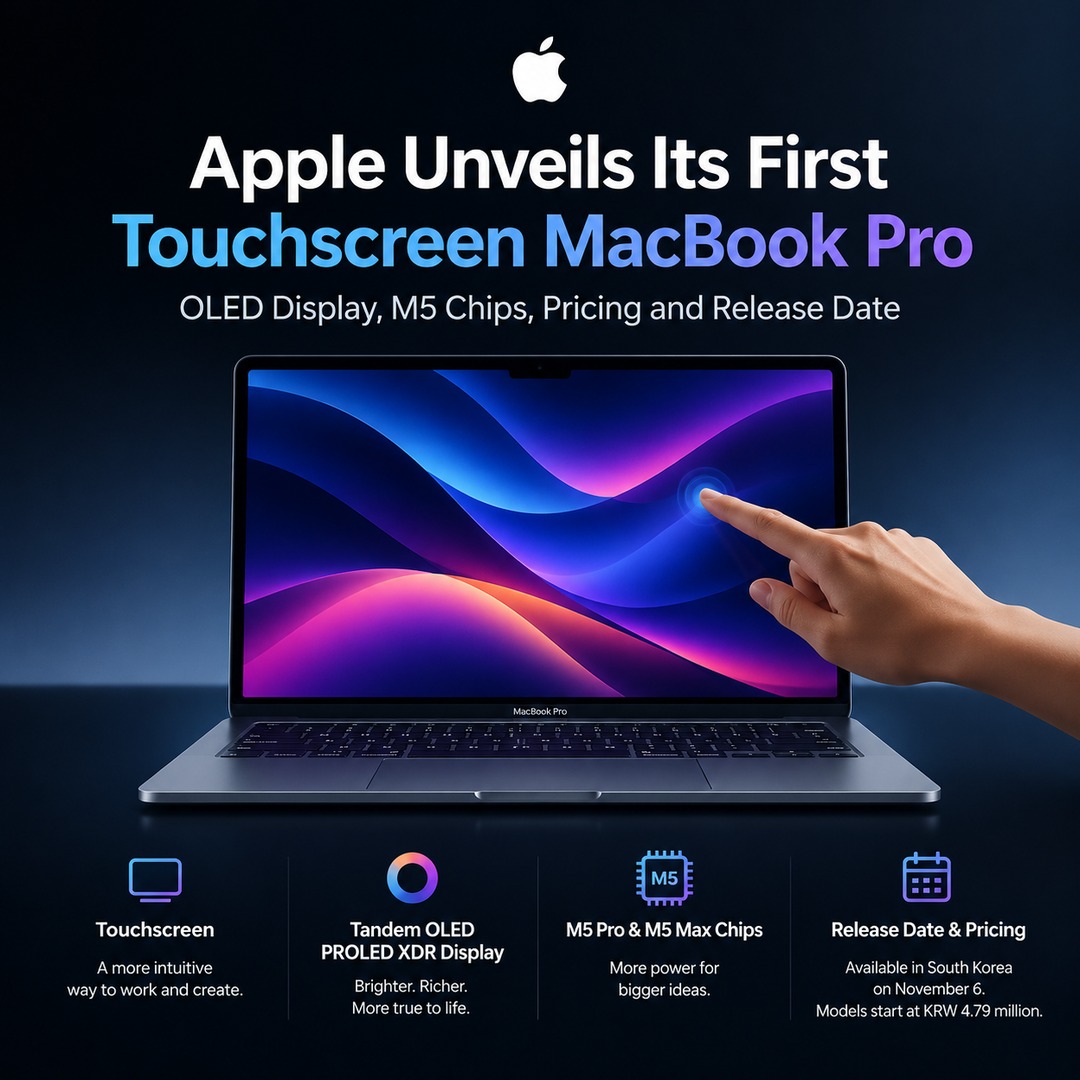
Apple unveiled its first Mac with a touchscreen on October 28, 2026, introducing a new MacBook Pro lineup with touch-enabled displays. Available in 14-inch and 16-inch models, the new laptops feature Tandem OLED technology and M5 Pro and M5 Max chips. Sales in the United States begin on November 6. The biggest change is the addition of direct touchscreen input while retaining the traditional laptop controls.
Why Has Apple Introduced a Touchscreen to the MacBook for the First Time?
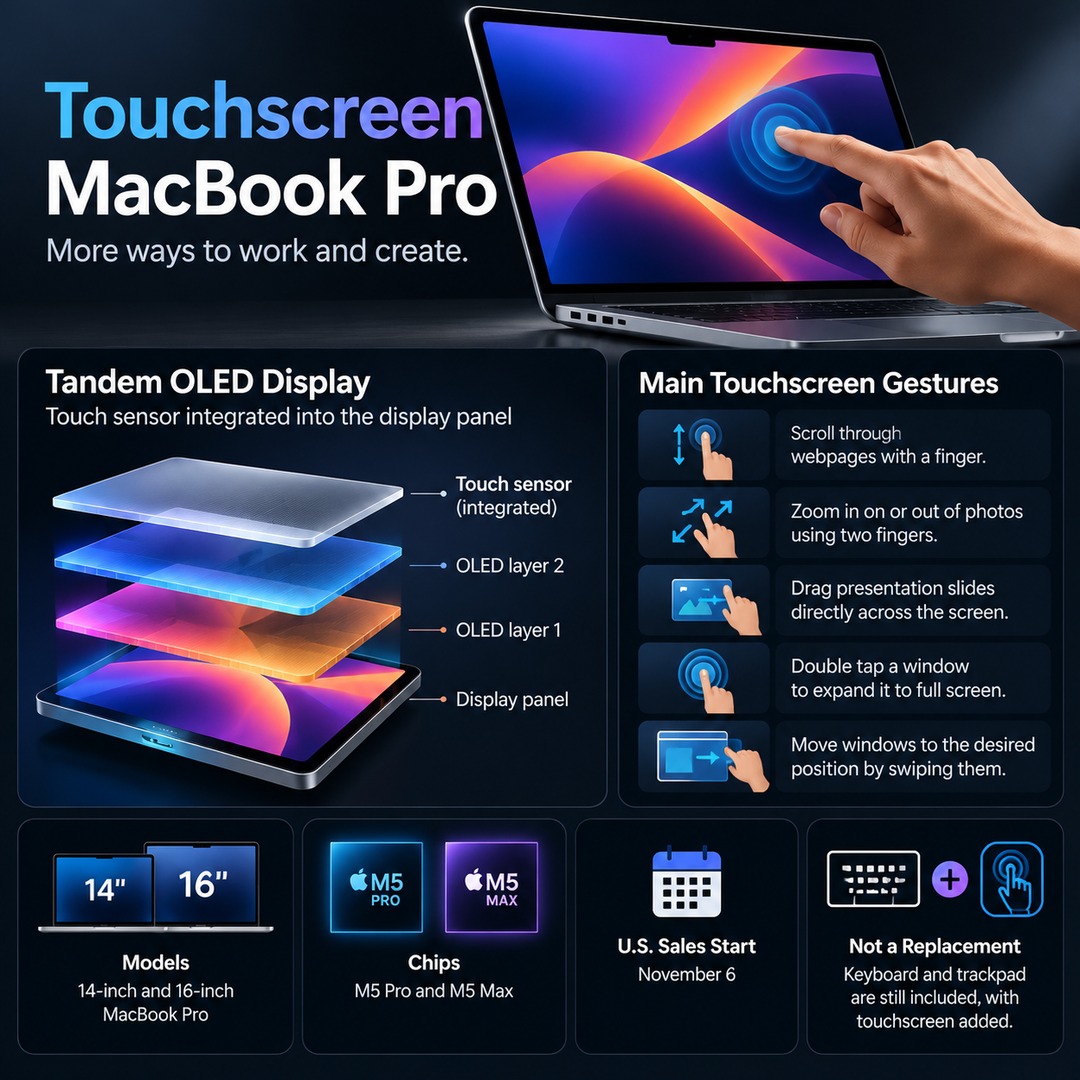
The new product does not replace the keyboard and trackpad found on existing MacBook Pro models. Instead, it adds touchscreen functionality, allowing users to choose their preferred input method depending on the task.
Some of the main touchscreen gestures include:
Scrolling through webpages with a finger.
Zooming in on or out of photos using two fingers.
Dragging presentation slides directly across the screen.
Double-tapping a window to expand it to full screen.
Moving windows to the desired position by swiping them.
The touch sensor is integrated directly into the display panel. Unlike designs that add a separate touch-sensitive layer on top of the screen, this approach is intended to reduce input latency.
This functionality can be particularly useful for tasks involving direct interaction with specific areas of the screen, including graphic design, photo editing, and video production.
PROLED XDR Display: How Is It Different from Previous MacBooks?
One of the biggest hardware changes in the new MacBook Pro is its Tandem OLED display.
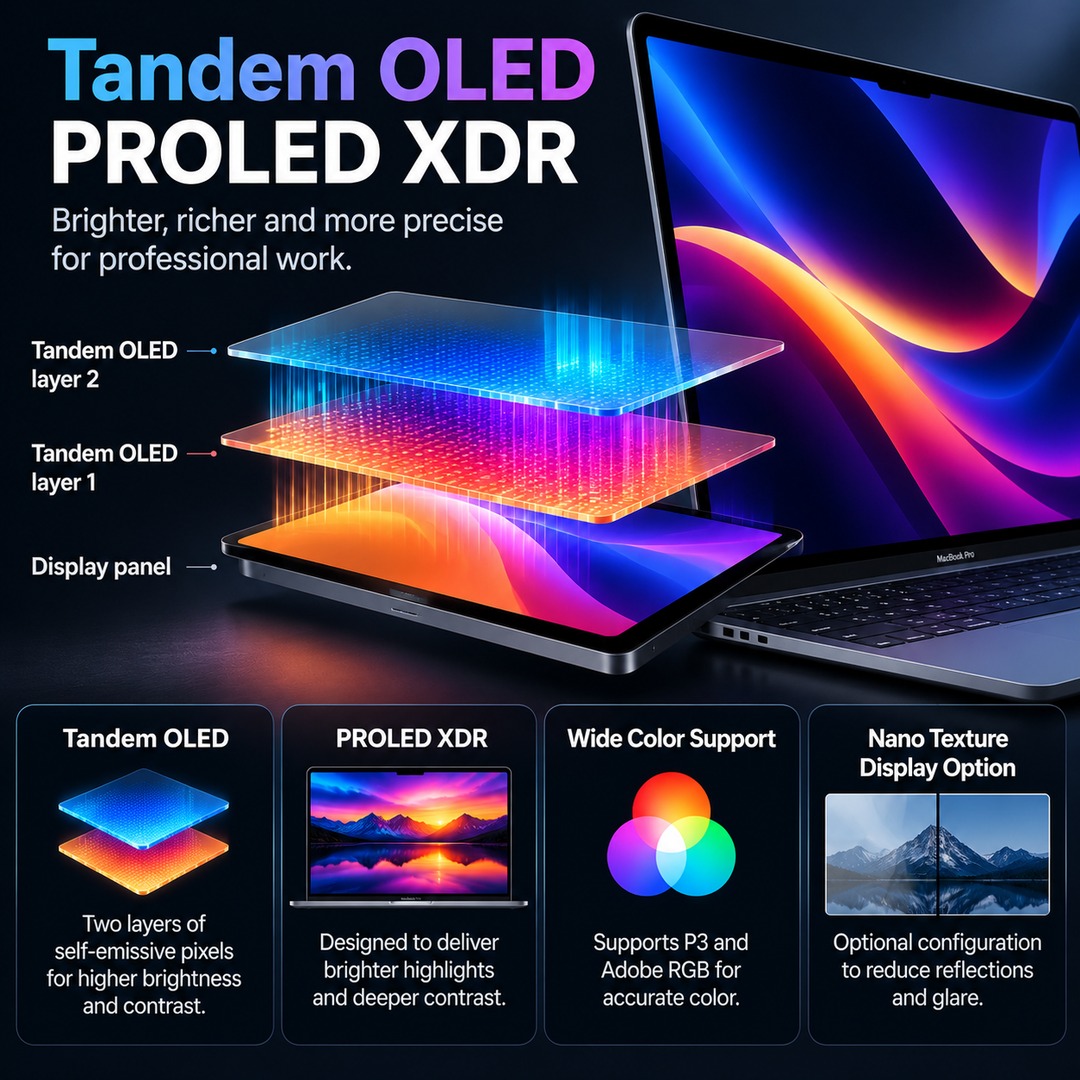
Tandem OLED technology uses two stacked layers of self-emissive pixels. Apple has introduced a display called PROLED XDR based on this technology, designed to improve brightness and contrast.
The main display specifications are as follows:
| Feature | Announced specification |
|---|---|
| Screen sizes | 14-inch and 16-inch |
| Display technology | Tandem OLED |
| Peak local brightness | 2,000 nits |
| Contrast ratio | 10,000,000:1 |
| Variable refresh rate | Up to 120Hz |
| Color gamuts | P3 and Adobe RGB |
| HDR video color gamut | More than 80% of Rec. 2020 |
Color accuracy and contrast are particularly important for photo and video editing. Support for Adobe RGB in addition to P3 is significant for professionals who work with demanding color requirements.
A nano-texture display option is also available to reduce reflections and glare. However, this is an optional configuration, so buyers should distinguish it from the standard display.
How Do the M5 Pro and M5 Max Chips Differ?
The new touchscreen MacBook Pro is powered by either the M5 Pro or M5 Max. Adding a touchscreen does not mean Apple has replaced the processors with a new generation of M6 chips.
The two chips target different levels of computing performance.
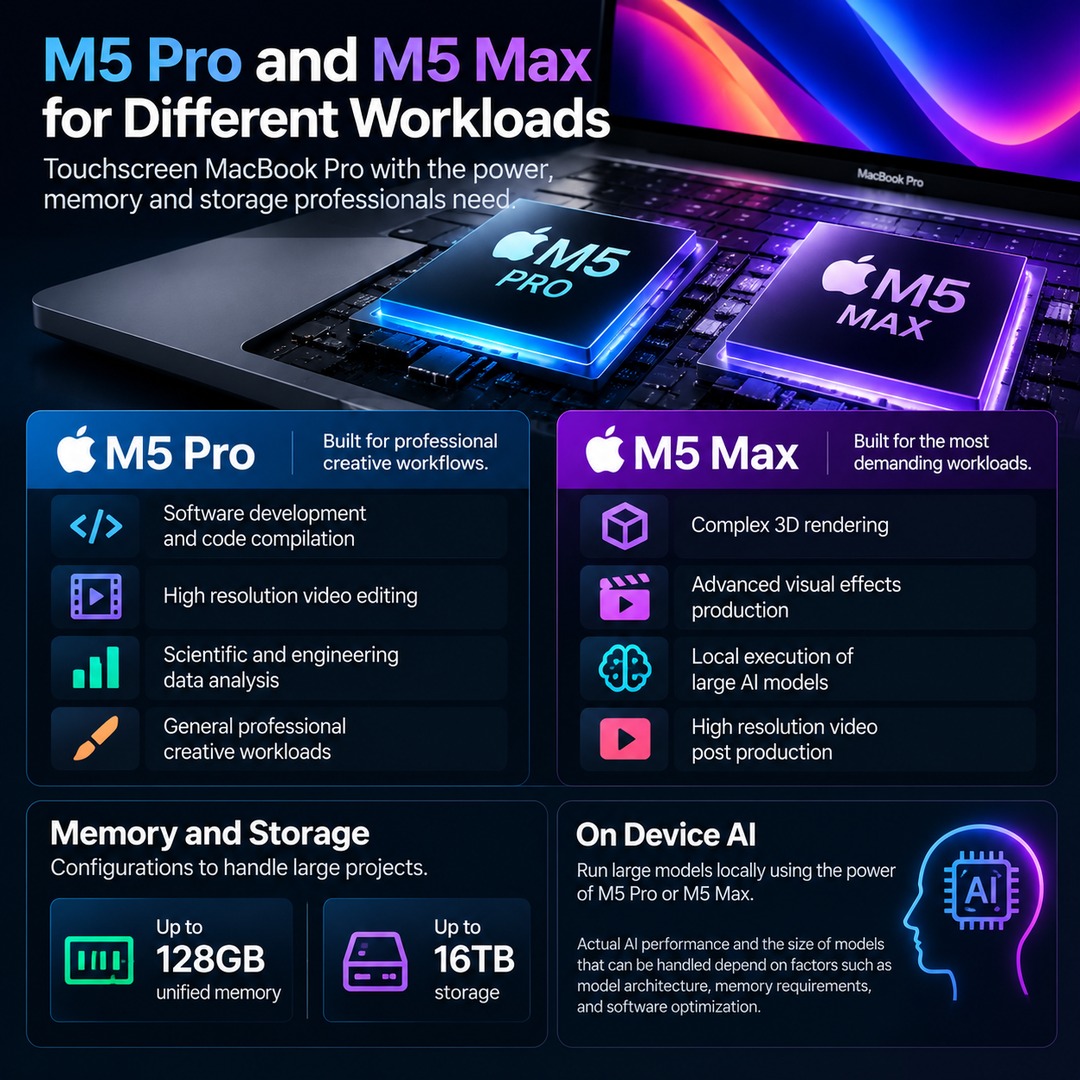
M5 Pro
Software development and code compilation
High-resolution video editing
Scientific and engineering data analysis
General professional creative workloads
M5 Max
Complex 3D rendering
Advanced visual effects production
Local execution of large AI models
High-resolution video post-production
Configurations are available with up to 128GB of unified memory and up to 16TB of storage.
On-device AI is another important consideration. Rather than sending data to an external server for processing, on-device AI uses the computer's own computing resources. For developers who want to run large models locally, an M5 Max configuration could be an important option.
However, actual AI model performance and the size of models that can be handled depend on factors such as model architecture, memory requirements, and software optimization.
What Are the Release Date and Prices in South Korea?
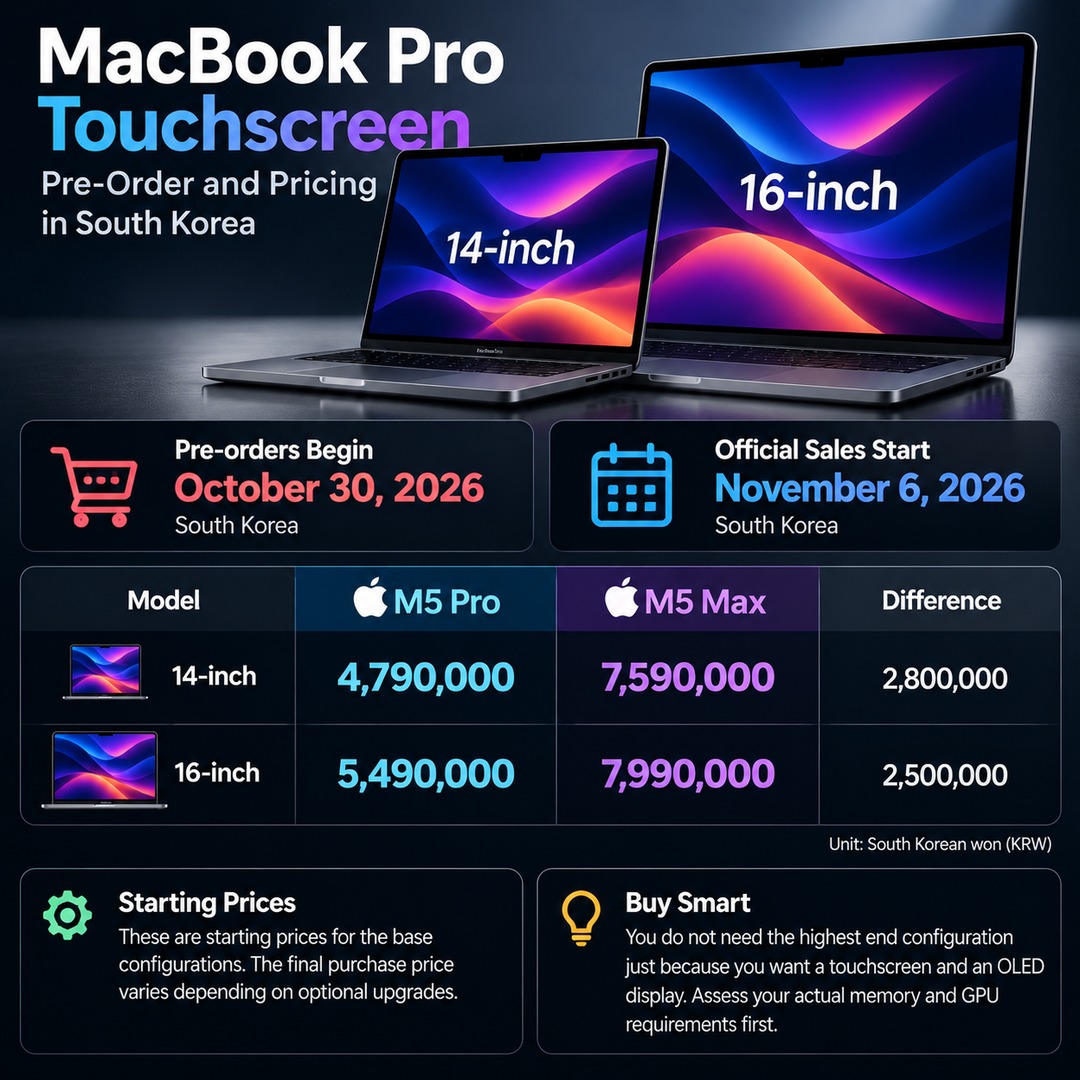
In South Korea, pre-orders begin on October 30, 2026, and official sales start on November 6.
The starting prices announced by Apple Korea are as follows:
| Model | Starting retail price | Starting education price |
|---|---|---|
| 14-inch M5 Pro | KRW 4.79 million | KRW 4.539 million |
| 16-inch M5 Pro | KRW 5.59 million | KRW 5.259 million |
| 14-inch M5 Max | KRW 7.59 million | KRW 7.079 million |
| 16-inch M5 Max | KRW 8.09 million | KRW 7.579 million |
Unit: South Korean won (KRW). These are starting prices for the base configurations of each model. The final purchase price varies depending on optional upgrades.
Even the least expensive 14-inch M5 Pro starts at KRW 4.79 million. Choosing an M5 Max model raises the starting price to KRW 7.59 million.
Based on calculations comparing the starting prices of the two chip configurations, the differences are:
14-inch M5 Pro versus M5 Max: KRW 2.8 million
16-inch M5 Pro versus M5 Max: KRW 2.5 million
Therefore, there is no need to choose the highest-end configuration simply because you want a touchscreen and an OLED display. It is more practical to assess your actual memory and GPU requirements first.
Have Weight and Battery Life Also Changed?
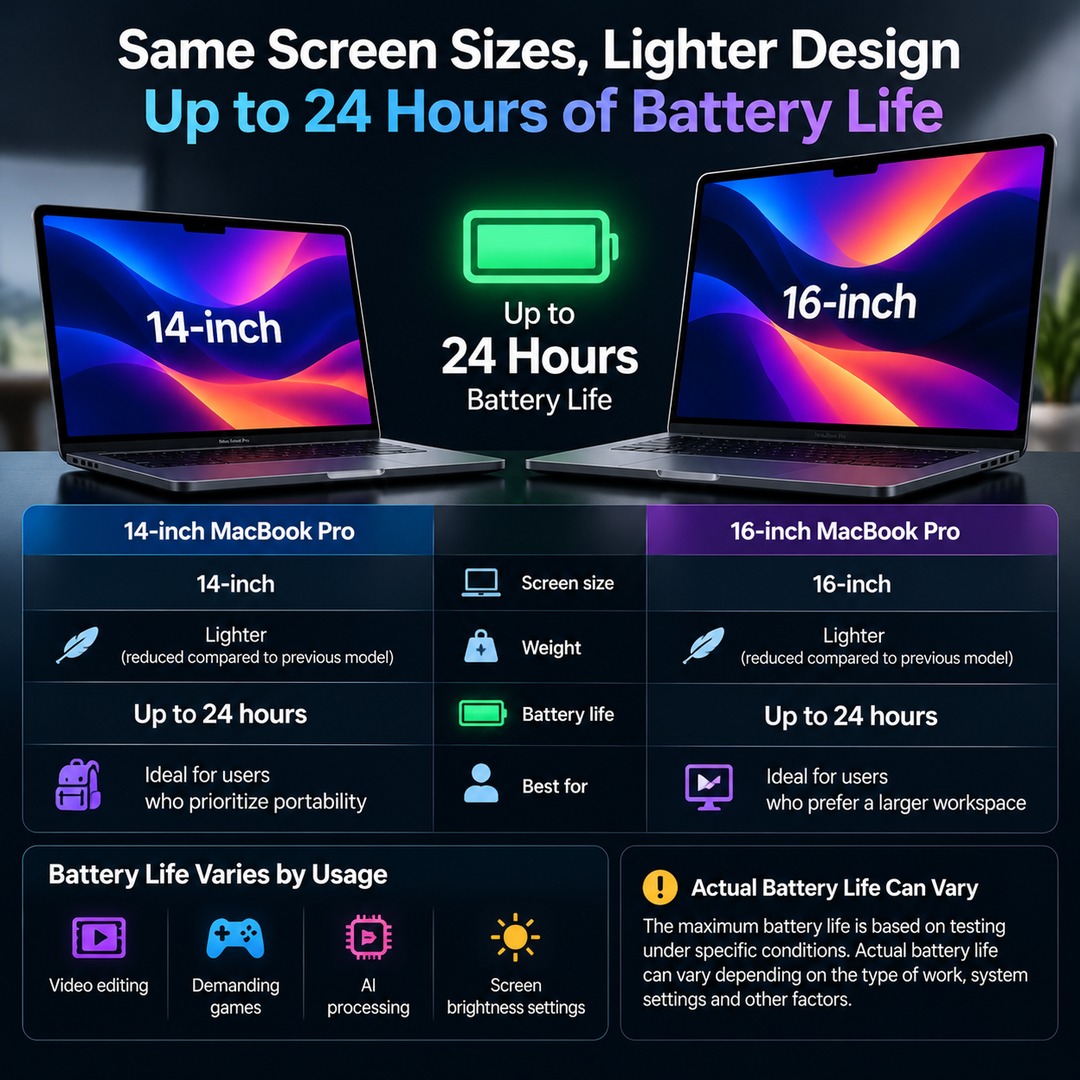
The new models retain their respective screen sizes while reducing weight.
| Model | Weight of new model | Reduction compared with previous model |
|---|---|---|
| 14-inch | 1.38kg | Approximately 220g |
| 16-inch | 1.82kg | Approximately 320g |
Apple claims battery life of up to 24 hours.
However, this maximum figure is based on testing under specific conditions. Actual battery life can vary depending on factors such as video editing, demanding games, AI processing, and screen brightness settings.
The 14-inch model may be preferable for users who prioritize portability, while the 16-inch model may be better suited to those who prefer a larger workspace.
Should Existing MacBook Owners Upgrade Now?
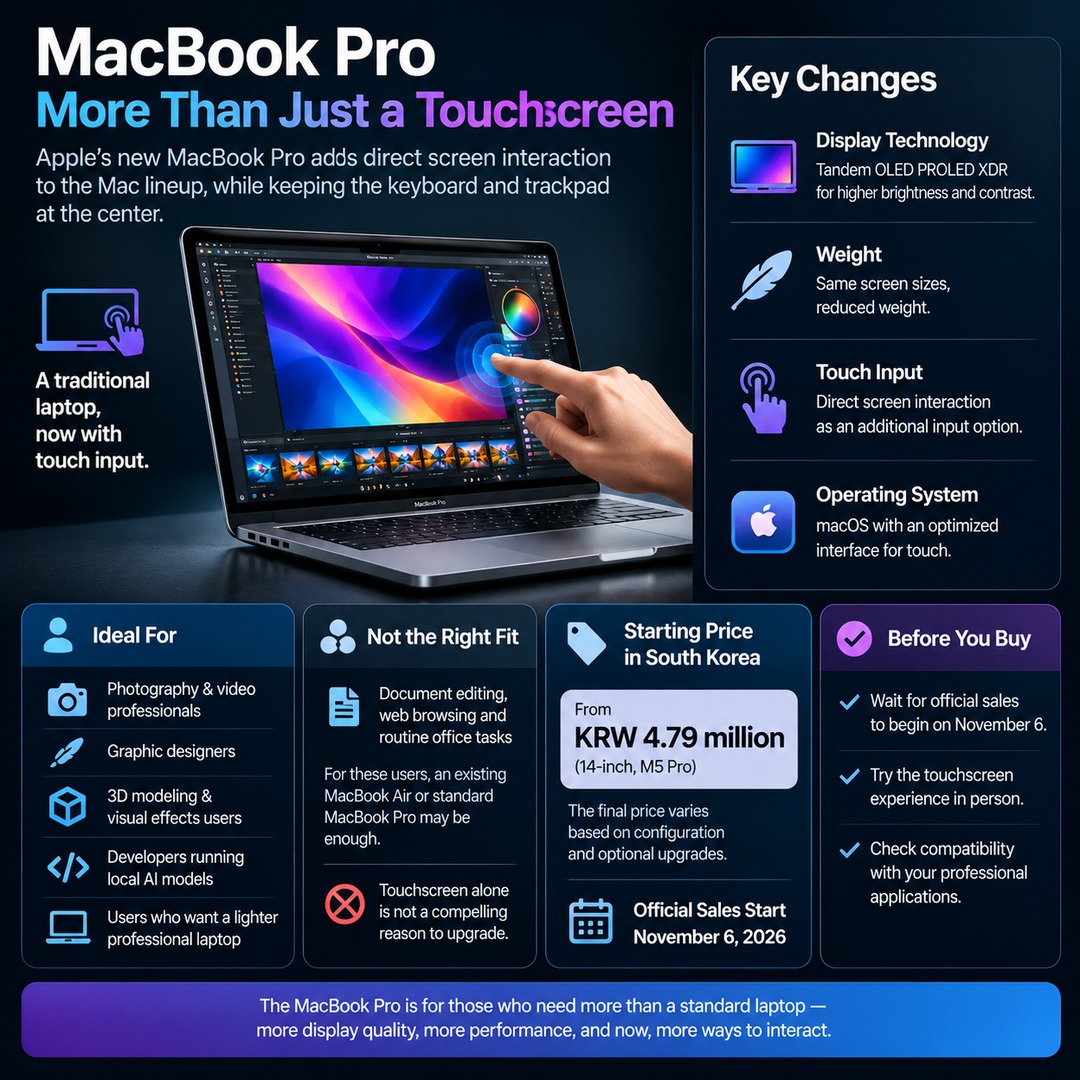
The new product is more than a minor specification update that simply adds a touchscreen. It brings changes to display technology, weight, touch input, and the operating system interface.
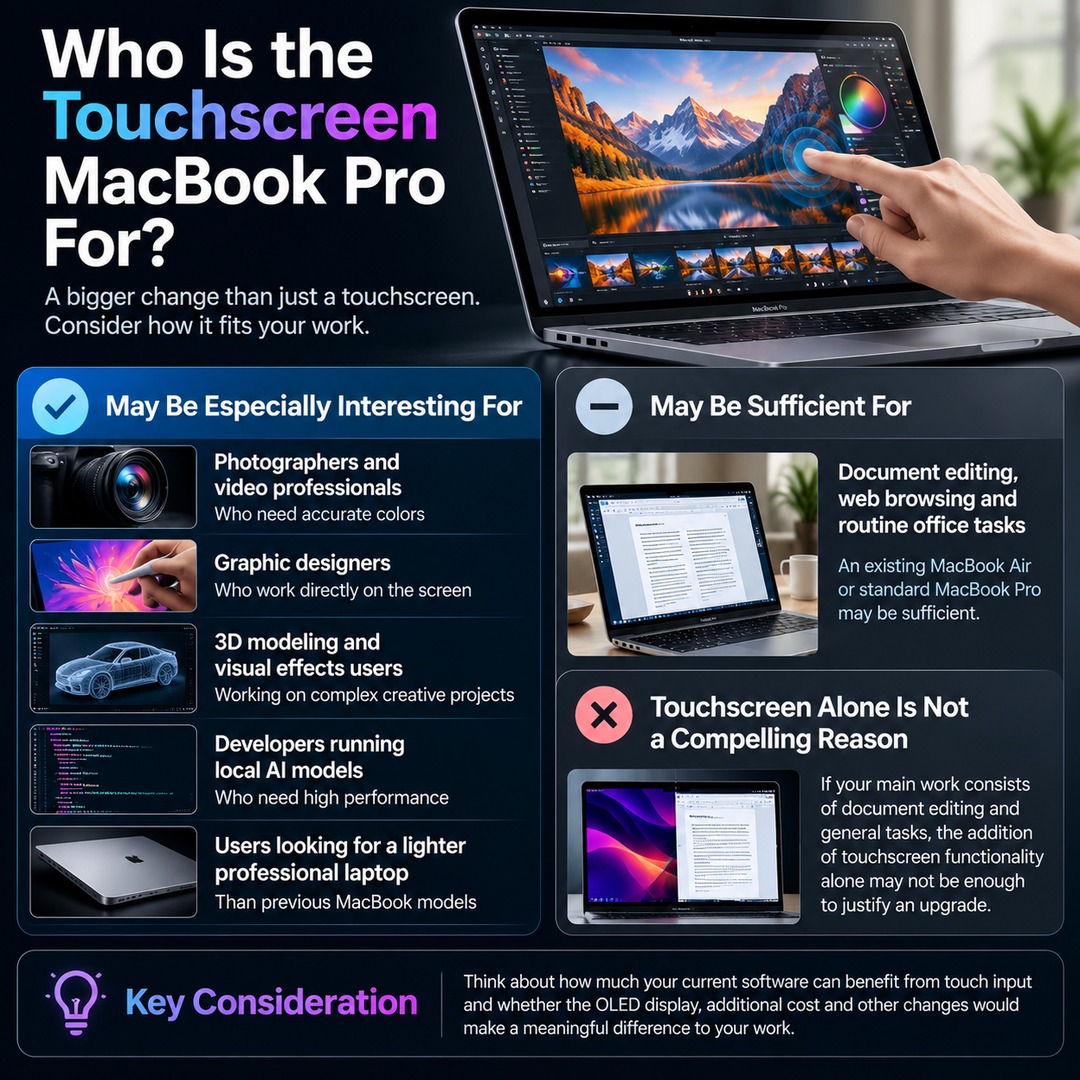
The following users may find it particularly interesting:
Professionals who need accurate colors for photography and video
Graphic designers who work directly on the screen
Users working in 3D modeling and visual effects
Developers running local AI models
Users looking for a lighter professional laptop than previous MacBook models
By contrast, people whose work mainly involves document editing, web browsing, and routine office tasks may find an existing MacBook Air or standard MacBook Pro sufficient.
The addition of touchscreen functionality alone is not a compelling reason to replace an existing laptop. It is worth considering how much your current software can benefit from touch input and whether the OLED display and additional cost would make a meaningful difference to your work.
What Is the Most Important Change in This New MacBook Pro?
For years, Apple has maintained a distinction between how people use Macs and iPads. With this MacBook Pro, the company has added direct screen interaction as another input option to a Mac lineup traditionally centered on the keyboard and trackpad.
That does not mean the MacBook has become an iPad-style tablet. It remains a conventional laptop while adding touchscreen input.
In particular, the South Korean starting price of KRW 4.79 million suggests that the product is aimed less at general consumers and more at users who prioritize display quality and professional computing performance.
If you are considering a purchase, it may be worth waiting until official sales begin on November 6 and then checking the actual touchscreen experience and compatibility with the professional applications you use before making a decision.