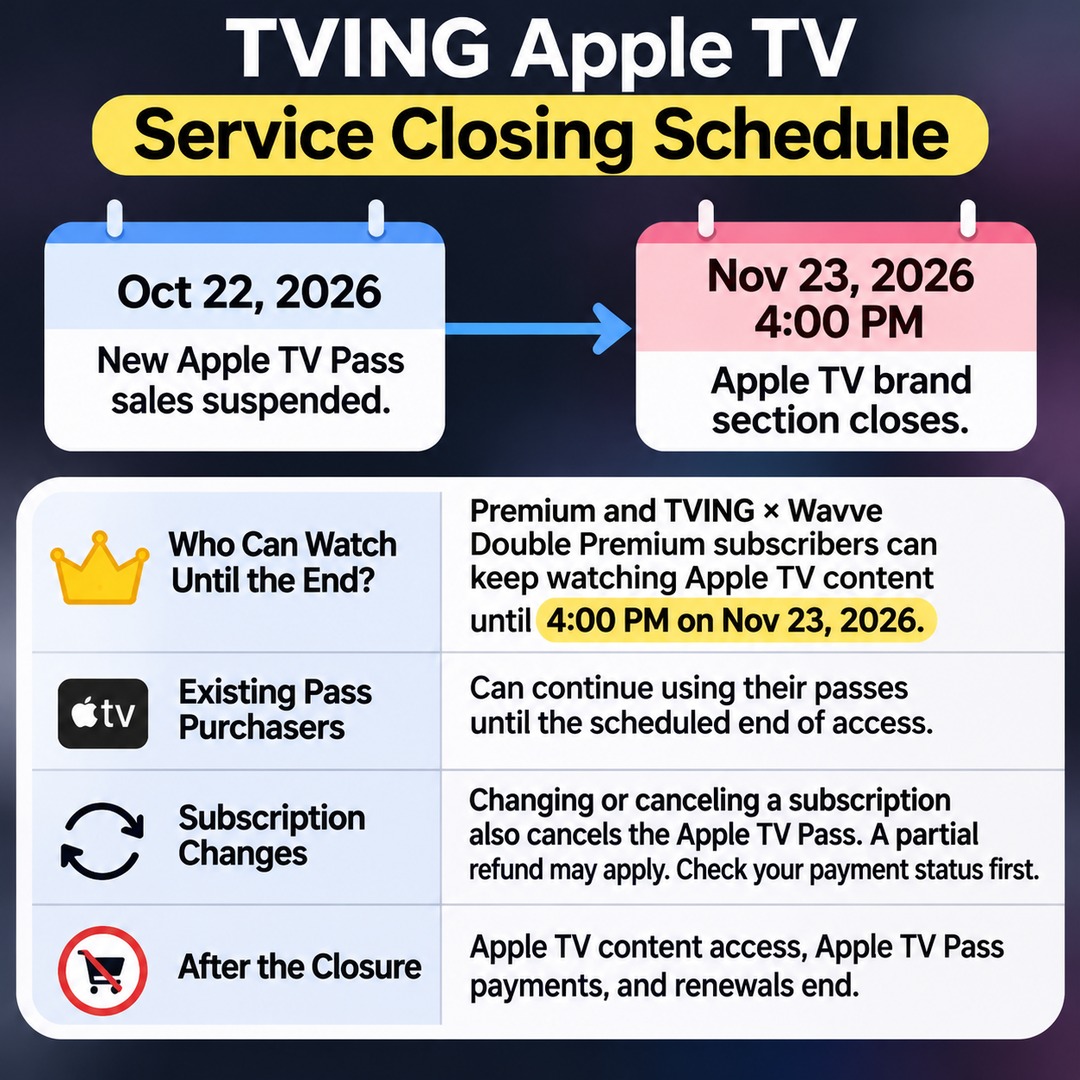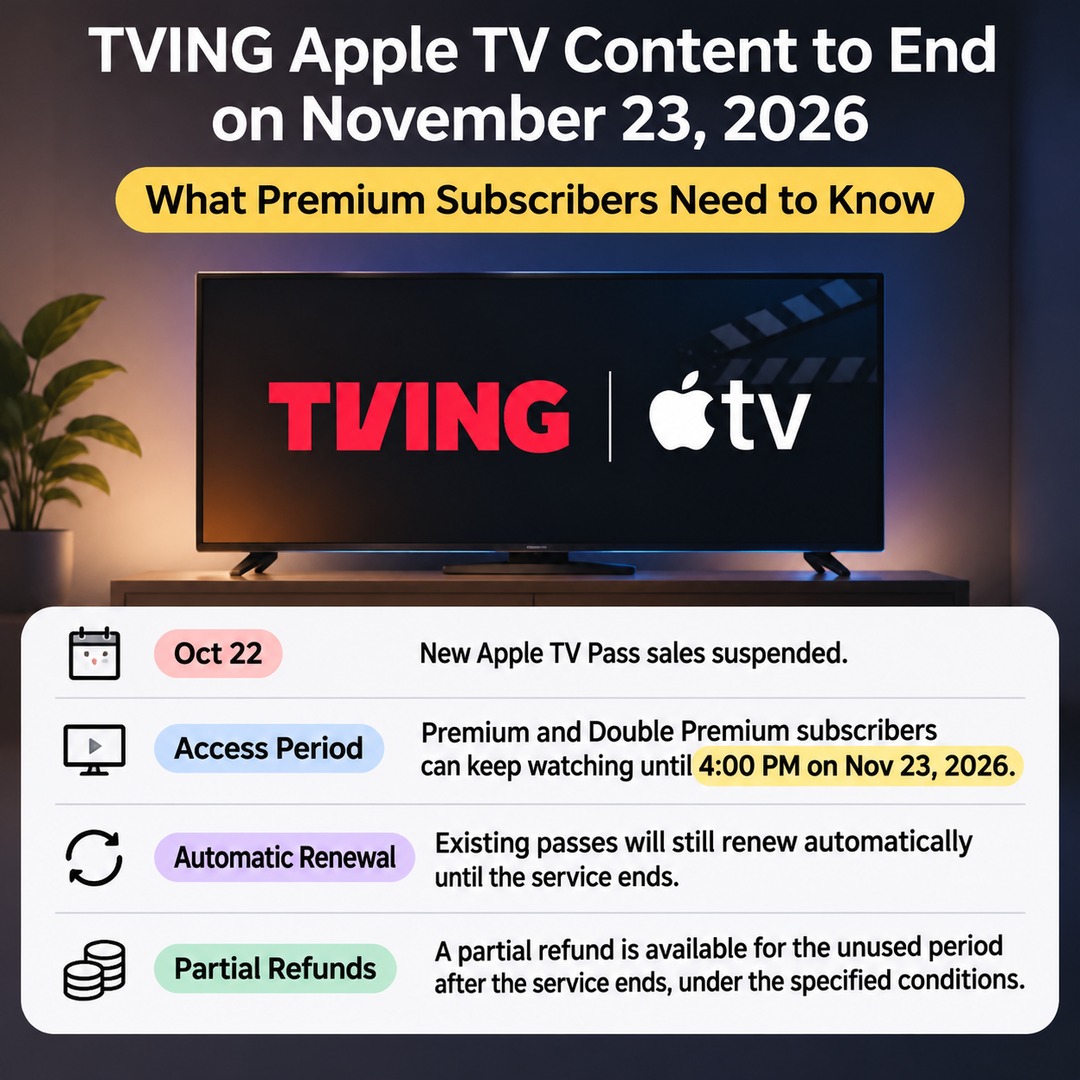
TVING's Apple TV brand section will close at 4:00 PM on November 23, 2026. Subscribers to Premium and TVING × Wavve Double Premium can continue watching Apple TV content until the service ends. However, the end of Apple TV content availability and the termination of a TVING Premium subscription are two separate matters.
New Apple TV Pass sales have been suspended since October 22. Existing purchasers can continue using their passes until the scheduled end date. However, changing or canceling a subscription also cancels the associated Apple TV Pass, and a partial refund may apply. Check your payment status before making any changes.
When Will the TVING Apple TV Brand Section Close?
The last available time for the Apple TV brand section is 4:00 PM on November 23, 2026.
The service is ending because the content service agreement between TVING and Apple TV has reached the end of its contractual term. After the scheduled closing time, Apple TV brand-section content provided through TVING will no longer be available.
The key dates are:
October 22, 2026: New Apple TV Pass sales suspended.
November 23, 2026, at 4:00 PM: Apple TV brand section closes.
Existing purchasers before the closure: Content remains available until the scheduled end of access.
After the closure: Apple TV content access, Apple TV Pass payments, and renewals end.
The important distinction is that the date new sales stop is different from the actual service closure date.
Although new customers cannot purchase an Apple TV Pass after October 22, existing purchasers will not lose access immediately. They can continue watching until 4:00 PM on November 23.
Will Premium Subscriptions Also End on November 23?
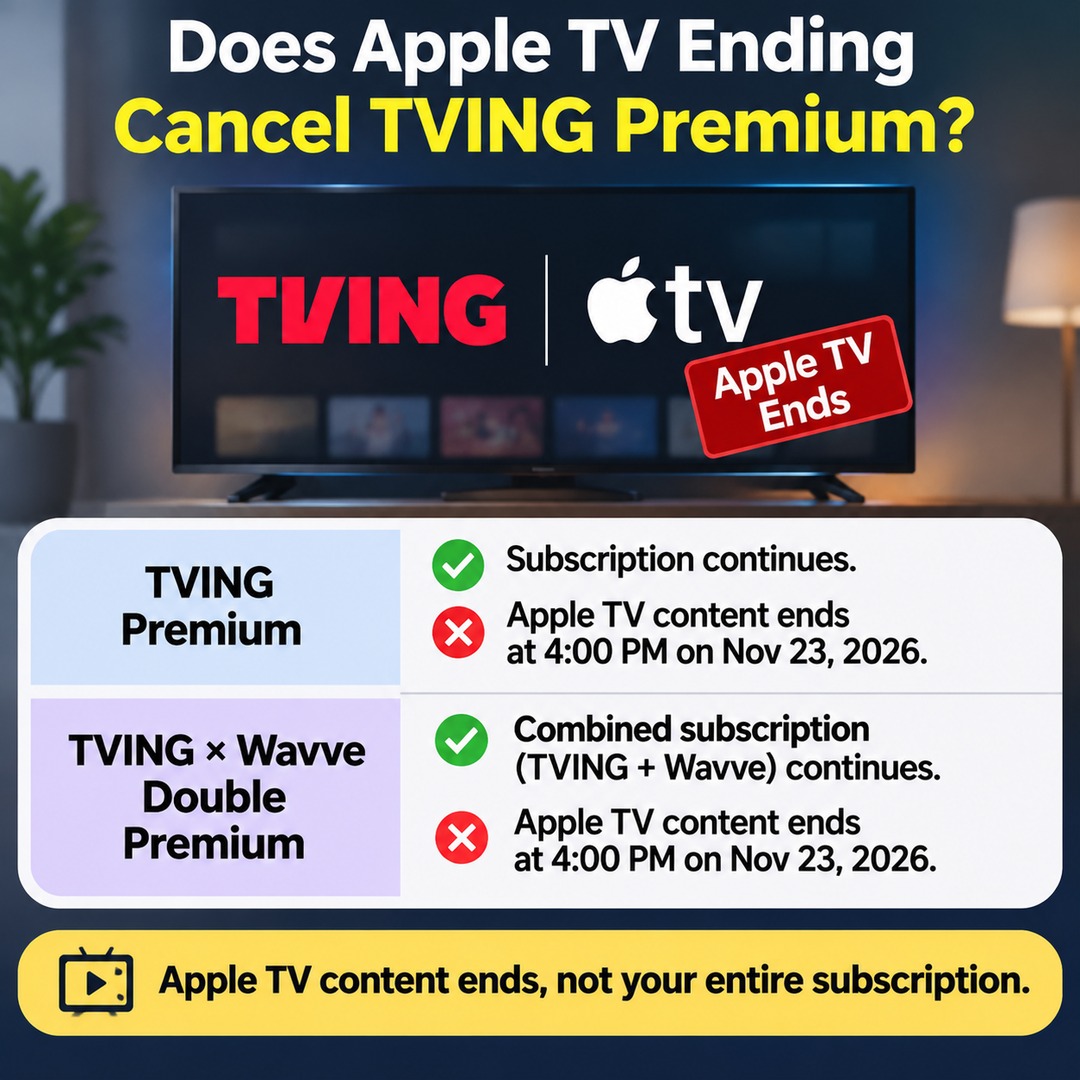
No. The end of Apple TV content availability does not mean that all TVING Premium subscriptions are being terminated.
TVING's current subscription information identifies Premium and TVING × Wavve Double Premium as plans that include access to Apple TV content.
Apple TV content will remain available under both plans until 4:00 PM on November 23, 2026.
Therefore, Premium subscribers will lose access to Apple TV content, but this does not mean that all other TVING content and subscription features will automatically end at the same time.
It is important to distinguish between the following plans:
TVING Premium: A premium TVING subscription. The end of Apple TV content availability is separate from the termination of the subscription itself.
TVING × Wavve Double Premium: A combined subscription covering TVING and Wavve. The Apple TV content benefit under this plan ends at the same scheduled time.
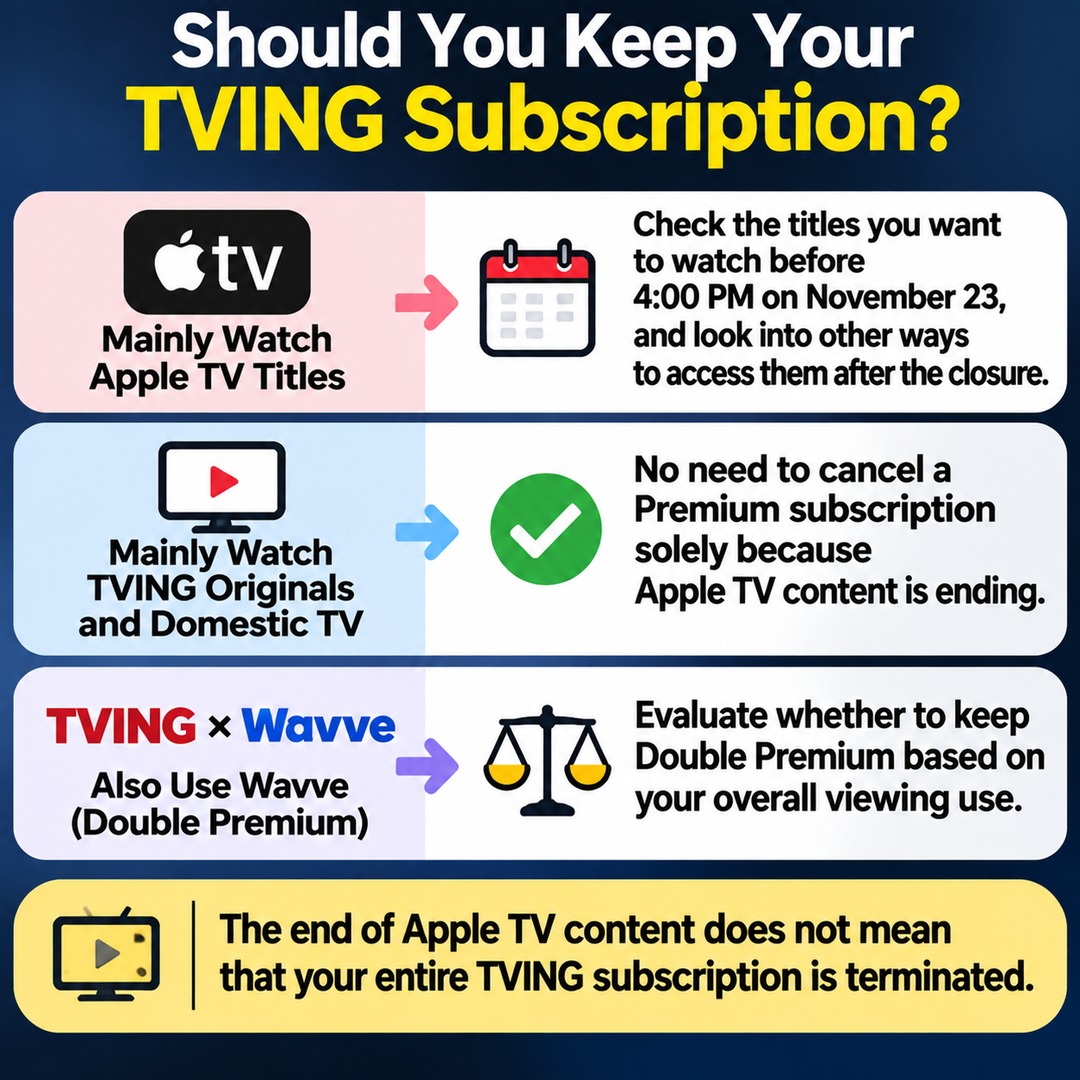
If you mainly watch Apple TV titles, you may want to reconsider whether to keep your subscription. However, if you continue watching other TVING or Wavve content, there is no need to cancel your entire subscription solely because the Apple TV brand section is closing.
How Will Automatic Payments and Renewals Work for Existing Apple TV Pass Subscribers?
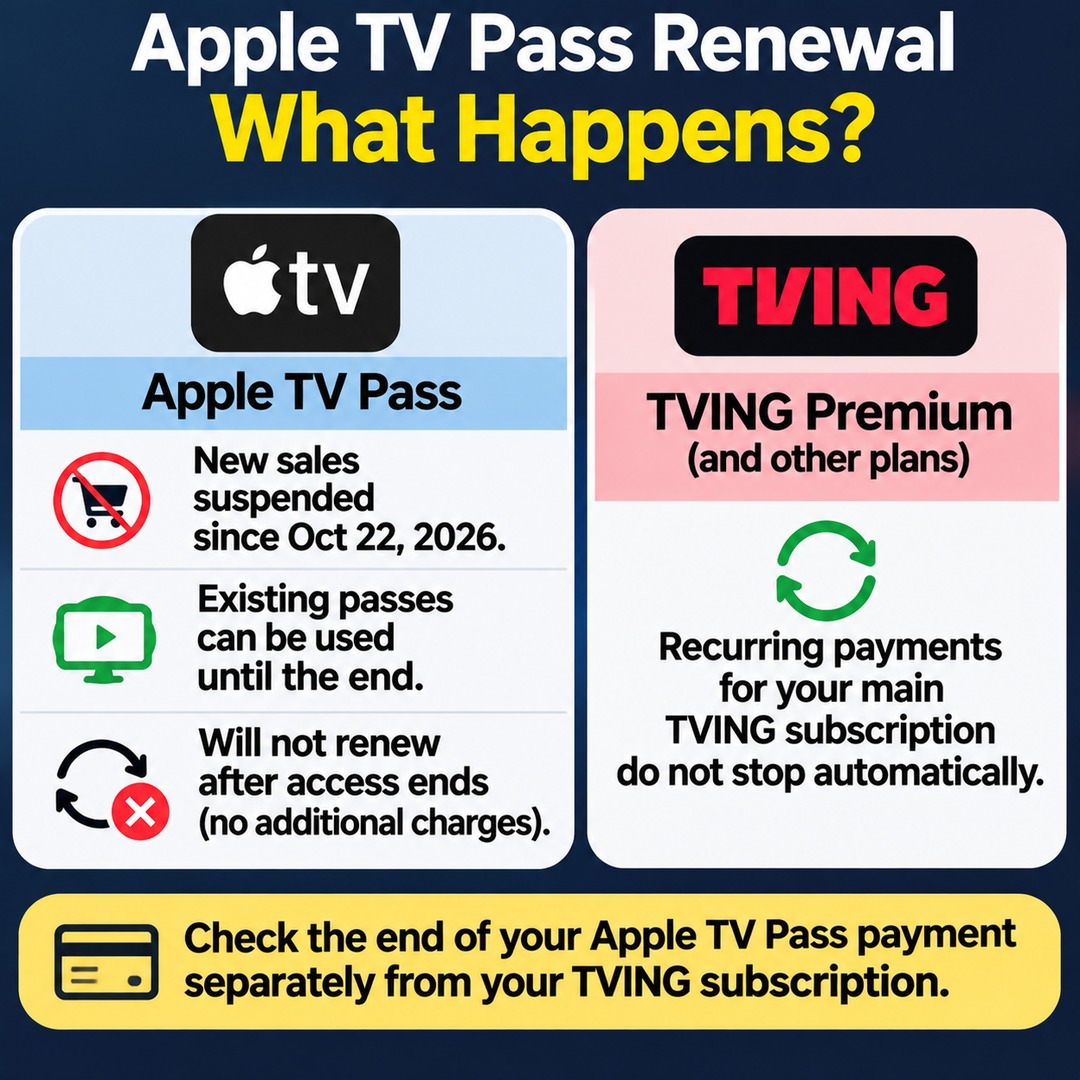
New Apple TV Pass sales have been suspended since October 22, 2026, while existing subscribers can continue using their passes until the scheduled end date.
According to TVING, payments and renewals for existing Apple TV Pass subscriptions will not continue after access ends.
In other words, the Apple TV Pass will not keep renewing automatically and generating additional charges.
However, this should not be interpreted to mean that recurring payments for TVING Premium or other bundled subscriptions will also automatically stop.
You should check Apple TV Pass payment termination separately from recurring payments for your main TVING subscription.
Can You Receive a Partial Refund If You Change or Cancel Your Subscription?
Yes. However, you should check the applicable terms when changing or canceling a subscription associated with an Apple TV Pass.
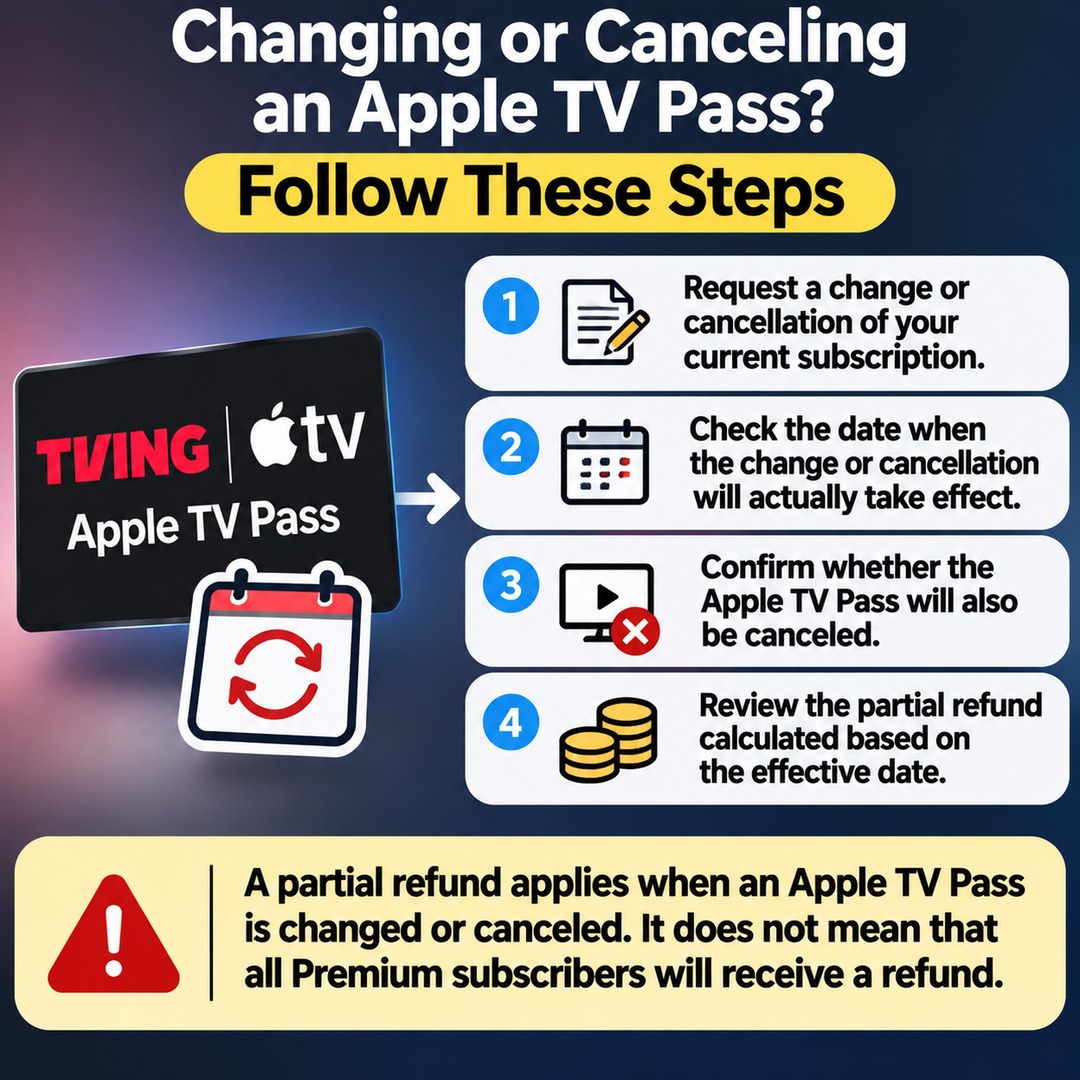
TVING states that changing or canceling an Apple TV Pass subscription also cancels the pass itself. A partial refund is calculated based on the date the change or cancellation actually takes effect.
For example, if you use an Apple TV Pass together with another TVING subscription, the process is as follows:
1. Request a change or cancellation of your current subscription.
2. Check the date when the change or cancellation will actually take effect.
3. Confirm whether the Apple TV Pass will also be canceled.
4. Review the partial refund calculated based on the effective date.
One important point: The closure of the Apple TV brand section does not automatically mean that existing Premium subscription fees will be reduced or that every subscriber will receive a separate refund.
The partial refund described in TVING's official guidance applies when an Apple TV Pass subscription is changed or canceled. It does not mean that all Premium subscribers qualify for the same refund.
What Should You Check If You Paid Through the Apple App Store or Google Play?
For in-app purchases, the payment date displayed by TVING may differ from the actual payment date.
TVING explains that for subscriptions purchased through Apple's or Google's in-app payment systems, the Apple TV Pass payment date shown in an email or subscription management screen may not match the actual payment date because billing follows the app marketplace's payment schedule.
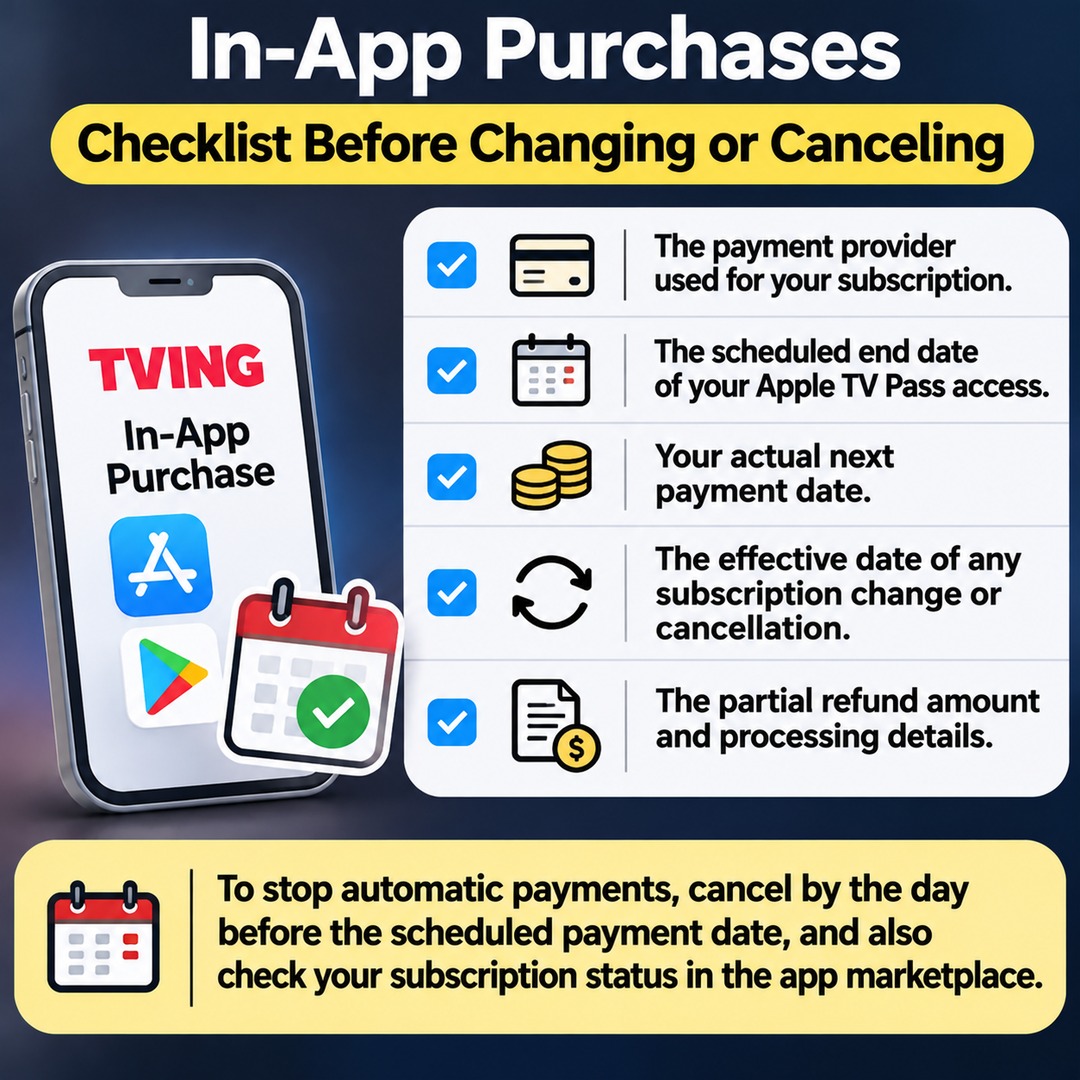
Before requesting a cancellation or subscription change, it is advisable to check the following:
The payment provider used to purchase your current subscription.
The scheduled end date of your Apple TV Pass access.
Your actual next payment date.
The effective date of any subscription change or cancellation.
The partial refund amount and processing details.
If you do not intend to continue using automatic payments, also review TVING's general automatic payment policy, which requires cancellation by the day before the scheduled payment date.
For in-app purchases, it is also advisable to check your subscription status directly in the relevant app marketplace.
How Should Current Subscribers Decide What to Do?
The most important factors are how often you watch Apple TV content and whether you intend to continue watching other content on TVING.
Subscribers who mainly watch Apple TV titles: Check which titles you want to watch before 4:00 PM on November 23 and look into alternative ways to access them after the closure.
Subscribers who mainly watch TVING Originals and domestic TV programs: There is no need to cancel a Premium subscription solely because Apple TV content is ending.
Subscribers who also use Wavve: Evaluate whether to keep Double Premium based on Wavve access conditions and the monthly subscription fee.
Subscribers using only a separate Apple TV Pass: Distinguish between the suspension of new sales and the continued access available to existing purchasers until the scheduled end date.
Subscribers planning to change or cancel a subscription: First check whether the Apple TV Pass will be canceled at the same time and when the partial refund will apply.
Ultimately, the key is not to confuse the end of Apple TV content availability with the termination of the entire TVING subscription. Whether to keep an existing Premium subscription should depend on the content you actually use beyond Apple TV and the applicable payment terms.