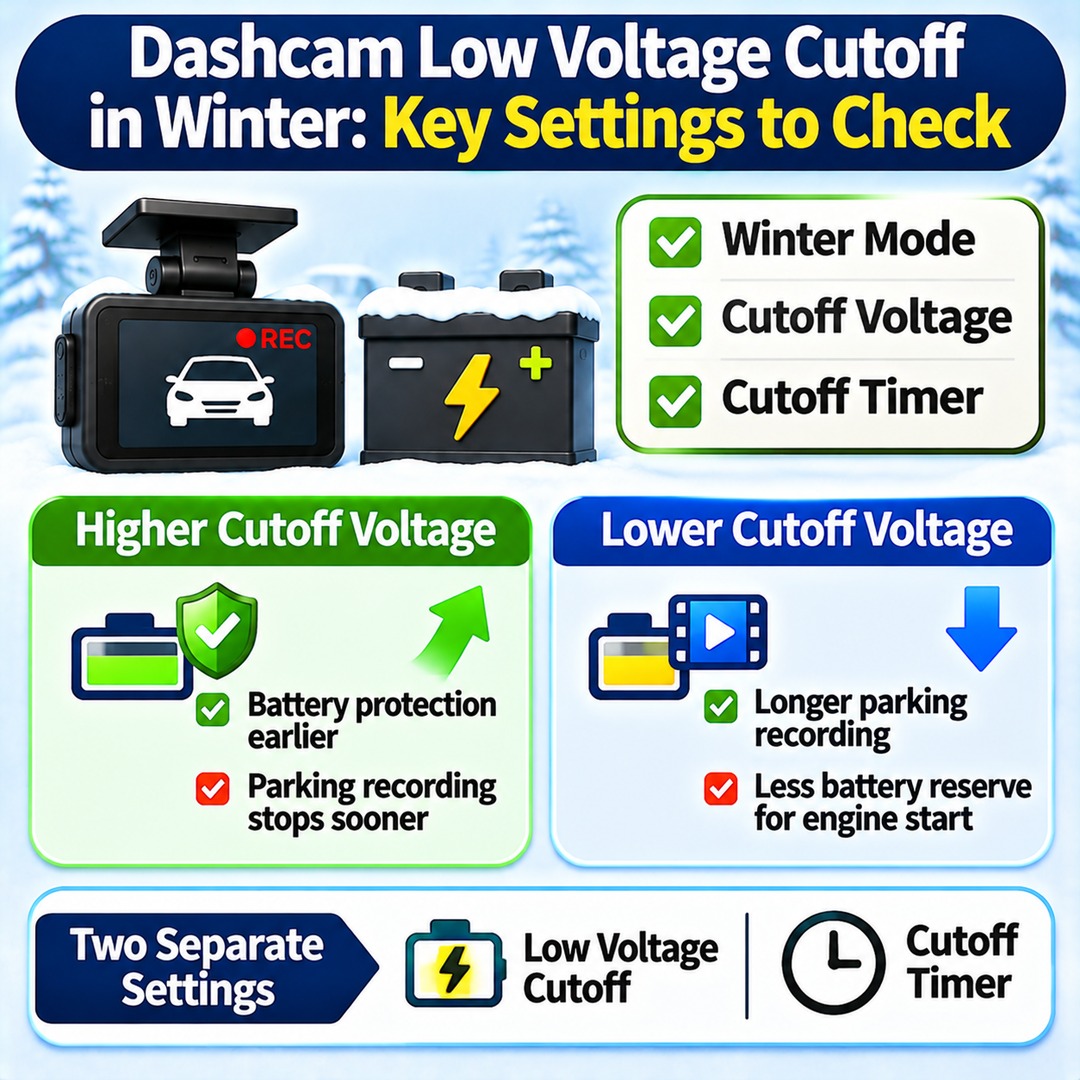
To reduce the risk of car battery discharge during winter, it is generally beneficial to set your dashcam's low-voltage cutoff higher than usual. However, settings such as 12.3V or 12.4V should not be applied universally to every vehicle. Starting in November 2026, drivers should check their dashcam's winter mode, cutoff voltage and cutoff timer together, then adjust them according to the condition of the vehicle battery.
A higher cutoff voltage can protect the battery earlier, but it also causes parking recording to stop sooner. Conversely, a lower voltage may extend recording time, but it leaves less battery reserve for starting the engine the following morning.
The key is not to choose the highest voltage automatically. Instead, consider the settings actually supported by your dashcam and the condition of your vehicle's battery.
Why Should You Adjust Dashcam Low-Voltage Cutoff in Winter?
Low-voltage cutoff is a function that stops dashcam recording when the vehicle battery reaches a preset voltage while the vehicle is parked and the dashcam continues drawing power.
During winter, available parking recording time can vary depending on battery condition and operating conditions. Vehicles that remain parked for long periods or are driven only for repeated short trips may be difficult to protect from battery discharge through dashcam settings alone.
Two separate functions need to be distinguished:
Low-voltage cutoff: Disconnects power to the dashcam when the battery reaches the configured voltage.
Cutoff timer: Disconnects power after a preset amount of time in parking mode.
Even if the voltage threshold is raised, a separately configured timer may still determine when recording stops. Voltage and time should therefore be checked as two independent protection settings.
What Voltage Should You Set Starting in November?
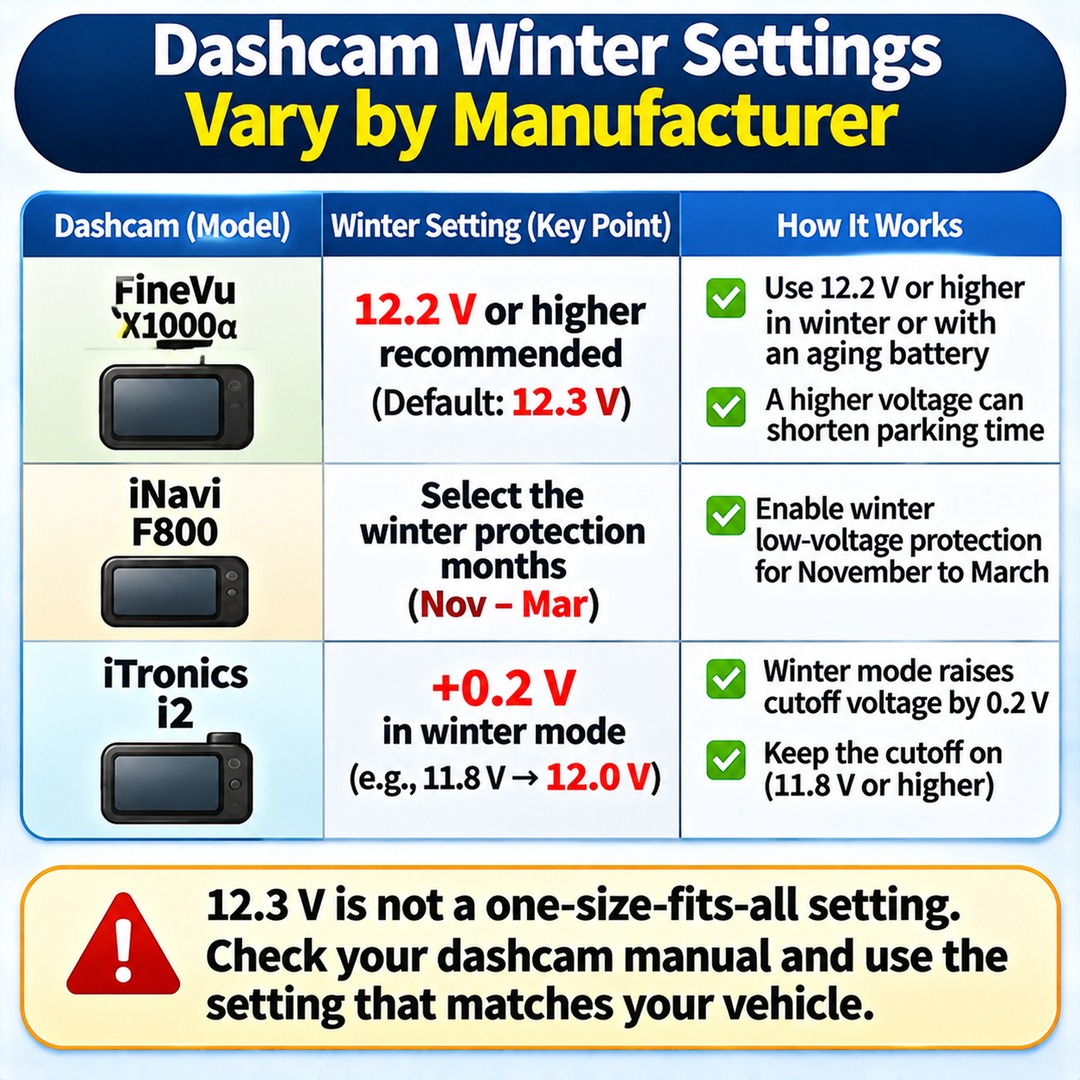
Even among 12V passenger cars, recommended settings and winter operating methods differ by dashcam model. Some manufacturers specify a numerical winter voltage recommendation, while others provide a separate winter protection function that requires users to select the applicable months.
The following examples illustrate differences in manufacturer documentation:
| Product or manual | Documented setting guidance |
|---|---|
| FineVu X1000α | Recommends 12.2V or higher for winter conditions or aging batteries. The default setting is listed as 12.3V. |
| iNavi F800 | Allows users to select winter low-voltage protection months from November through March. |
| iTronics i2 | Raises the basic cutoff voltage by 0.2V when winter mode is enabled. |
These differences matter. The iTronics i2 manual explains that when the cutoff voltage is set to 11.8V, enabling winter mode changes the cutoff point to 12.0V. It also advises users with standard batteries not to disable voltage cutoff and to maintain a setting of at least 11.8V.
The FineVu X1000α manual recommends 12.2V or higher when using the device during winter or with an aging battery. It also explains that increasing the cutoff voltage can shorten parking-mode operating time.
Therefore, the frequently mentioned 12.3V setting should not be treated as the correct setting for every dashcam. Supported settings differ by manufacturer, so the manual for your specific model should take priority.
How Much Does Raising the Cutoff Voltage Shorten Parking Recording?
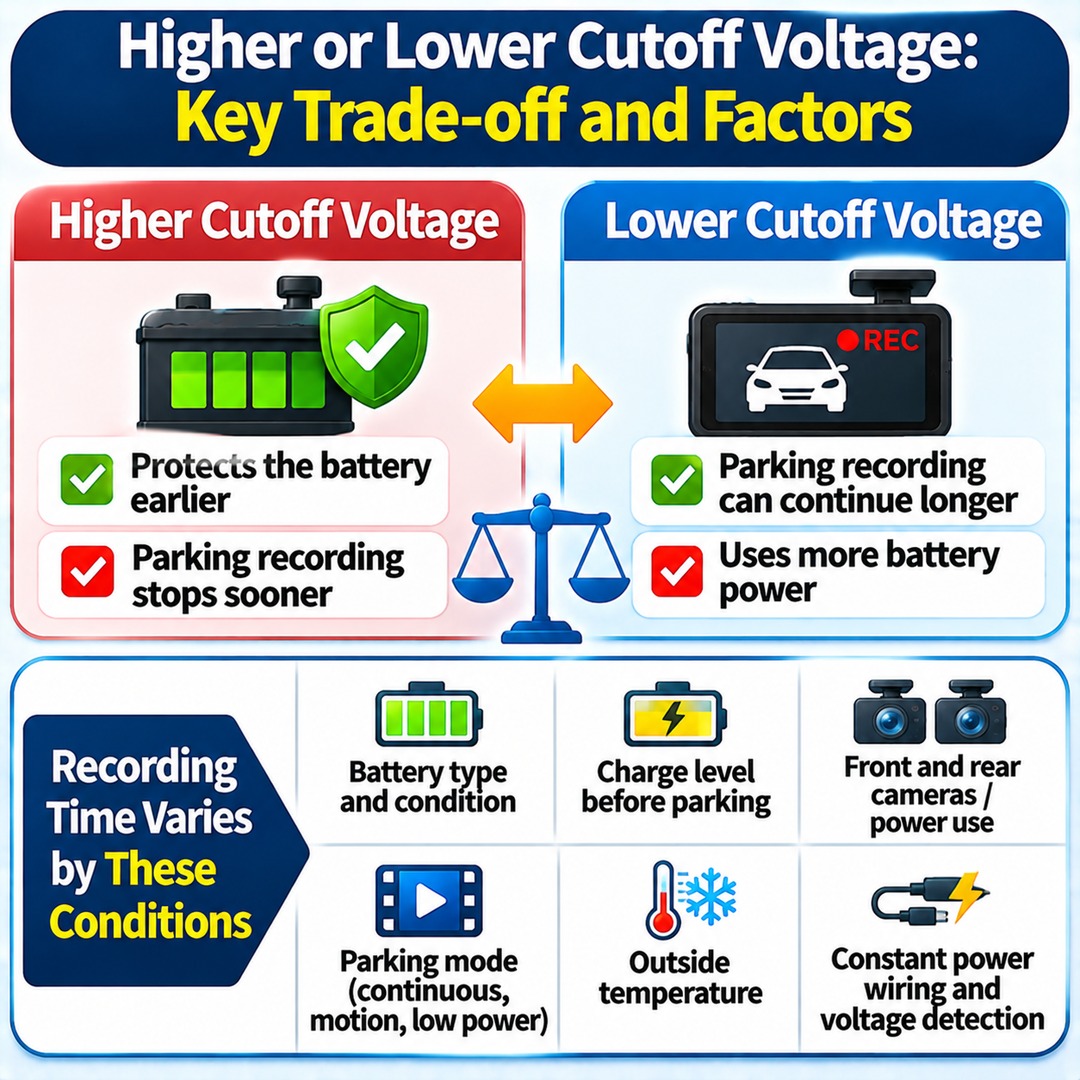
Raising the cutoff voltage causes the dashcam to disconnect power earlier, reducing parking recording time. Conversely, lowering the cutoff voltage may allow recording to continue longer, but it also increases battery consumption.
One important point is that changing the setting from 12.0V to 12.3V does not produce a predictable reduction of a fixed number of recording hours.
Actual operating time depends on several factors:
The type and condition of the vehicle battery
The battery's charge level immediately before parking
The dashcam's front and rear camera channels and power consumption
Whether parking mode uses continuous recording, motion detection or low-power recording
The outside temperature and the vehicle's own electrical consumption while parked
Constant-power wiring and the voltage detection method
Even with the same 12.3V setting, recording time may differ between a vehicle with a new, fully charged battery and one with a battery nearing the end of its service life.
In particular, a manufacturer's recommended voltage does not guarantee a specific recording duration or shutdown time in every vehicle.
Does Winter Mode Turn On Automatically in November?
Automatic activation depends on the product. The presence of a winter protection feature does not mean every dashcam automatically changes its settings on November 1.
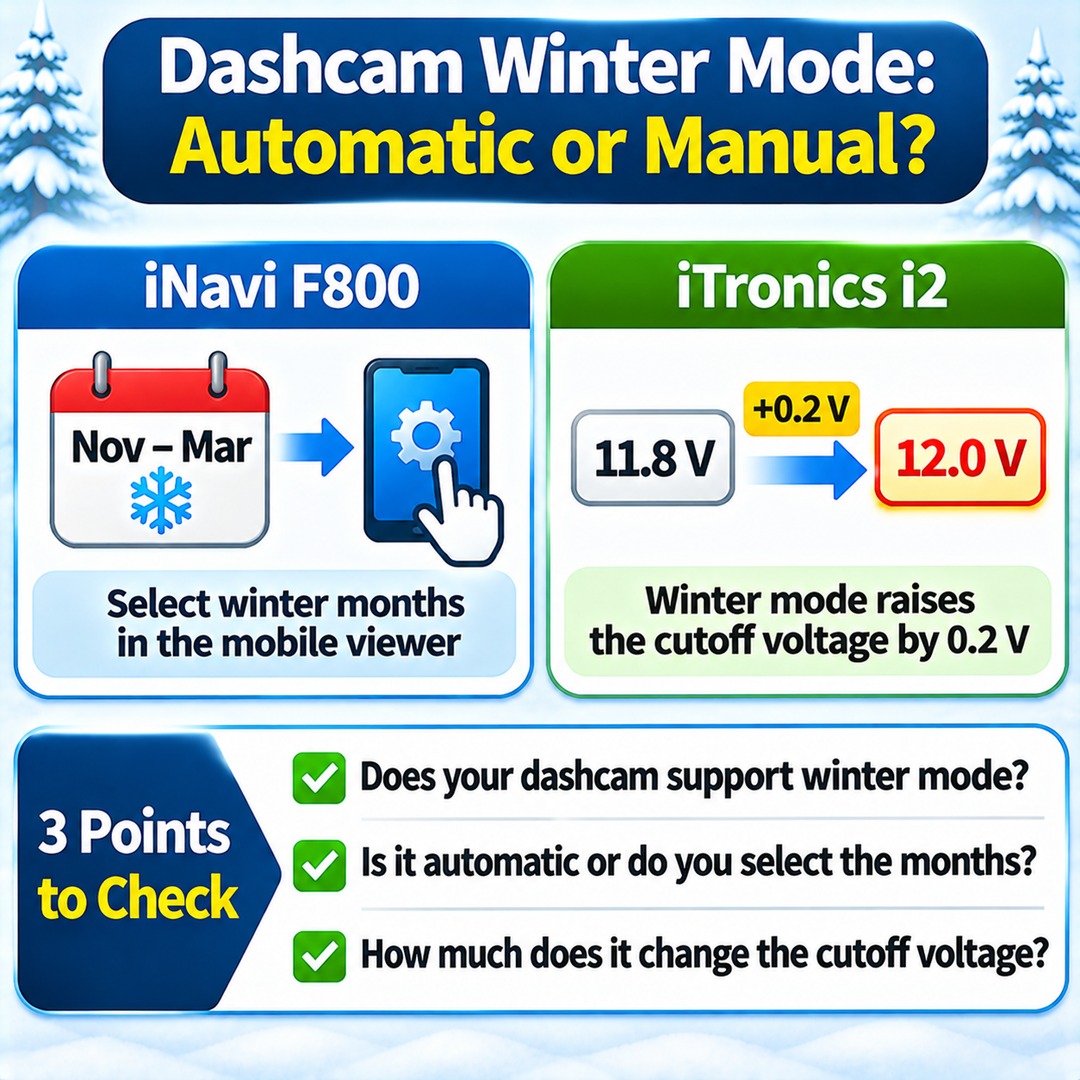
The iNavi F800 manual describes a separate winter low-voltage protection function. Users select the applicable months through the manufacturer's mobile viewer, with the winter operating period running from November through March.
The iTronics i2 uses a different method. When the user enables winter mode, the power cutoff occurs at a voltage 0.2V higher than the existing cutoff setting.
Check these three points separately:
1. Whether the dashcam supports winter mode.
2. Whether winter mode activates automatically or requires manual selection of the months.
3. How much winter mode actually changes the cutoff voltage.
Simply enabling winter mode may not be sufficient. If the basic cutoff voltage is too low, the resulting winter setting may still fail to provide the intended level of battery protection.
How Can You Distinguish Battery Discharge from Normal Dashcam Recording Shutdown?
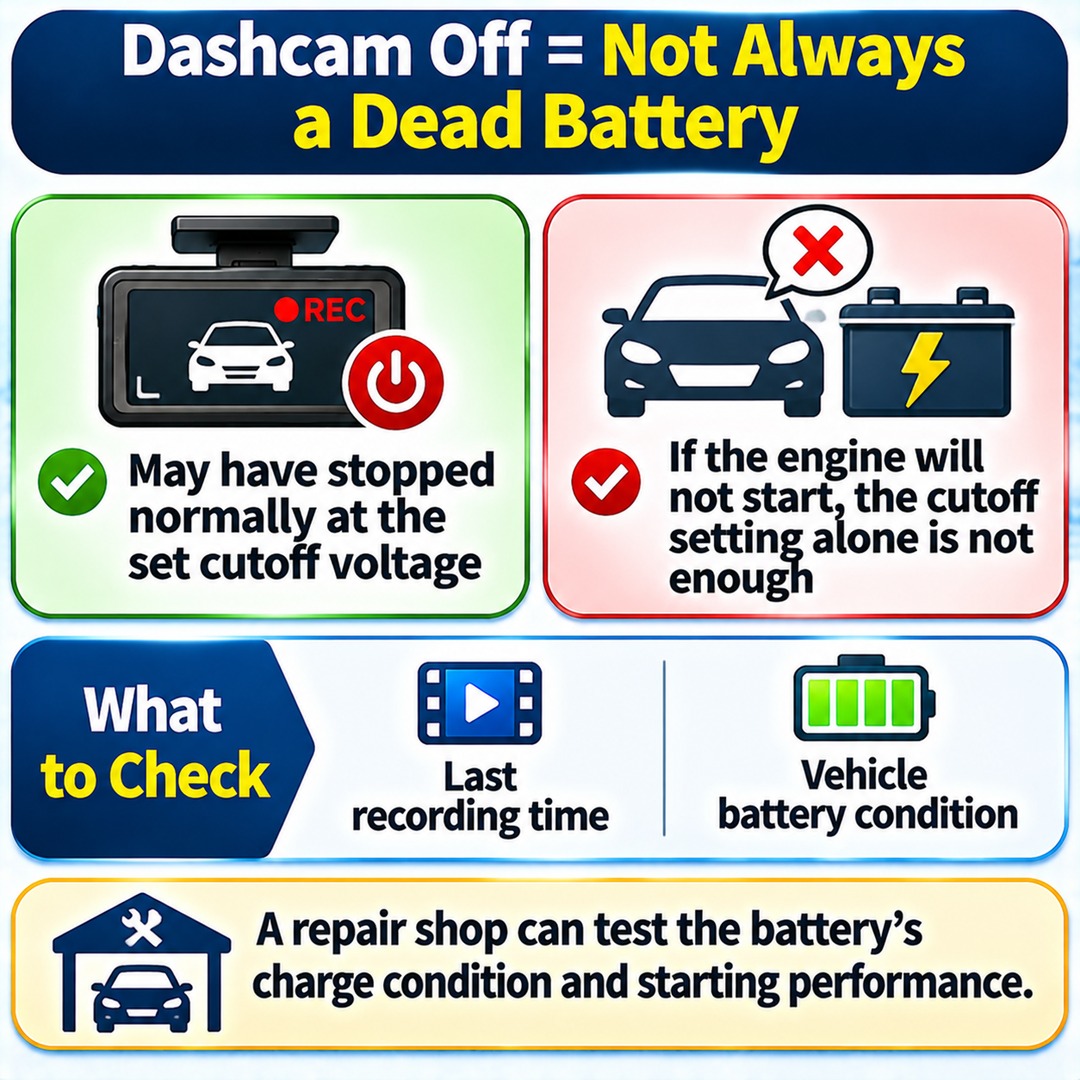
A dashcam turning off does not necessarily mean the vehicle battery is completely discharged. The device may have stopped parking recording normally after reaching its configured cutoff voltage.
Conversely, if the dashcam has switched off but the engine will not start the following morning, the cutoff setting alone cannot be considered a complete solution.
In this situation, check the last recording time and the vehicle battery condition separately.
| Observed result | What to investigate |
|---|---|
| Recording stops at a consistent time | Whether a cutoff timer is configured |
| Recording stops at different times | Battery condition and cutoff voltage |
| Dashcam turns off and the engine is difficult to start | Battery performance and charge level |
| Dashcam turns off earlier than the configured threshold suggests | Power wiring and voltage detection condition |
The voltage displayed by a dashcam cannot conclusively establish the actual performance of the vehicle battery. A repair shop can separately test the battery's charge condition and starting performance.
If the battery has discharged despite low-voltage cutoff being enabled, the last recording time is also worth checking.
What Settings Should You Check Yourself in November?
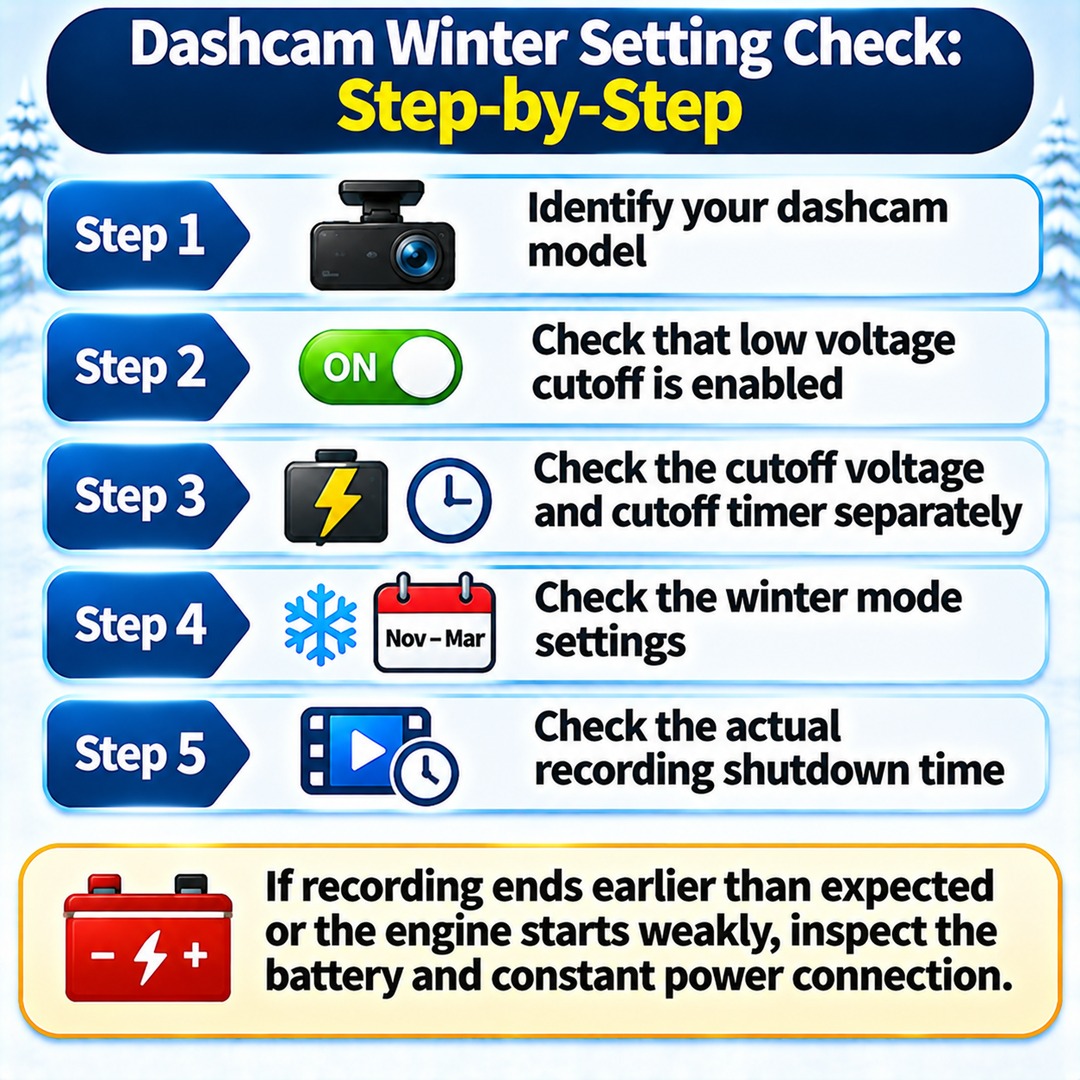
If you are concerned about battery discharge, it is better to inspect the current settings and battery condition before changing voltage values.
First, identify your dashcam model.
Check the model name in the device settings or the smartphone app connected to the dashcam, then locate the manual for that specific model.
Second, check whether low-voltage cutoff is enabled.
Depending on the product, this function may appear under names such as low-voltage cutoff, discharge protection, battery protection or recording shutdown voltage.
Third, check the cutoff voltage and cutoff timer separately.
Increasing the voltage while overlooking the time limit may cause parking recording to end earlier than expected.
Fourth, check the winter mode settings.
Confirm whether the function applies from November, how many volts it adds, and whether you must select the applicable months manually.
Fifth, check the actual recording shutdown time.
After changing the settings, park the vehicle and check the timestamp of the last recording file the following day. If recording ends earlier than expected or the engine starts weakly, inspect the battery and constant-power connection.
How Can You Keep Parking Recording Active Longer?
If both battery protection and extended parking recording matter to you, avoid simply lowering the cutoff voltage without considering the consequences.
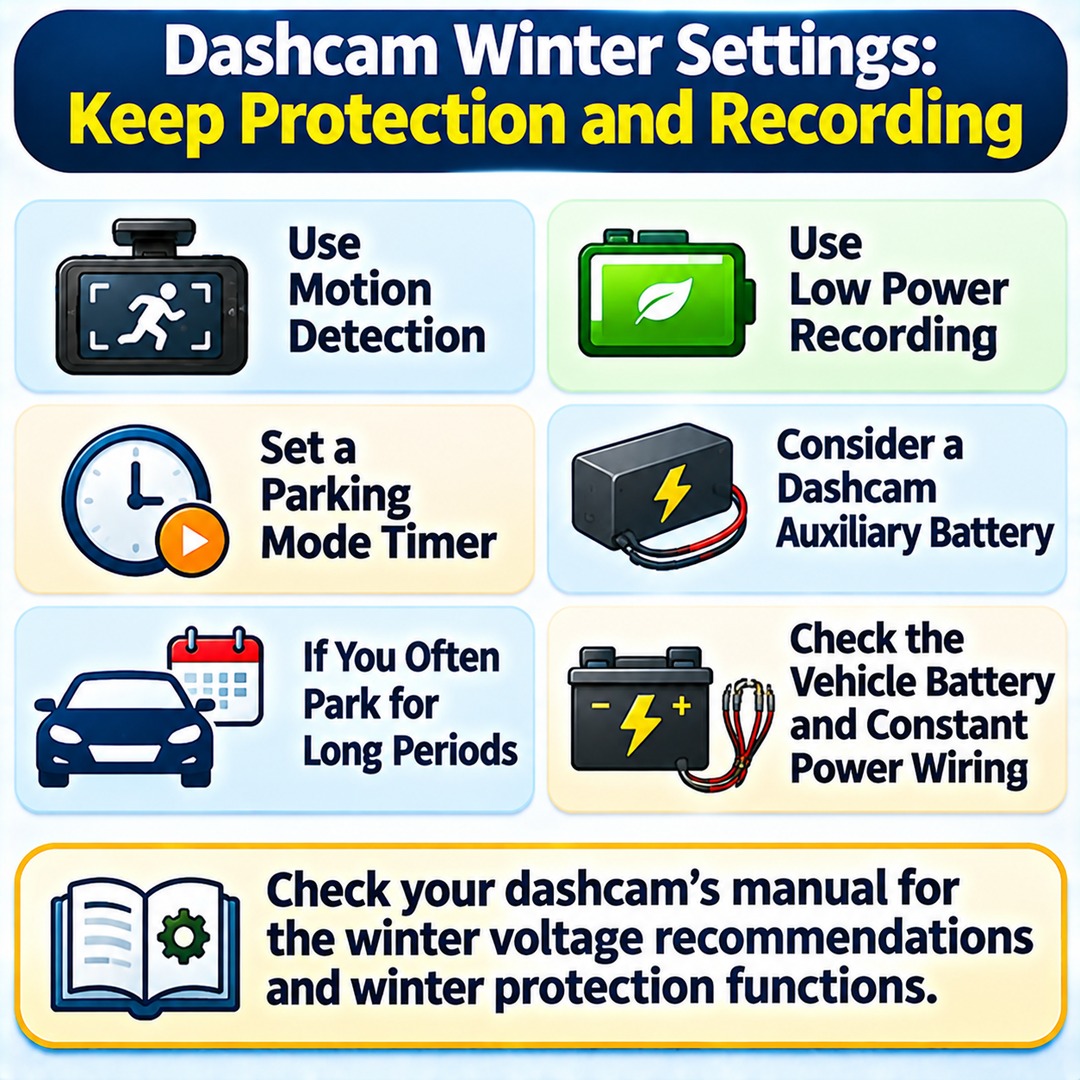
To extend parking recording time, check whether your dashcam supports motion detection or low-power recording. A mode that records only when an impact or movement is detected uses power under different conditions from continuous recording.
If your vehicle is frequently parked for long periods, you can also consider using a parking-mode timer or a dedicated dashcam auxiliary battery. However, an auxiliary battery has a different charging and power configuration from the vehicle's main battery, so compatibility and installation requirements should be checked.
Conversely, even if you drive every day, short commuting trips may not allow the battery to recover sufficiently. If battery discharge happens repeatedly, inspect the battery itself and the constant-power wiring in addition to the dashcam settings.
If you have previously experienced battery discharge after using parking recording, the battery condition and constant-power wiring are also worth investigating.
Winter dashcam settings are not simply about gaining a few extra hours of recording. They also determine how much battery reserve remains for starting the engine the following morning.
Rather than memorizing a single figure such as 12.3V, start by checking the winter voltage recommendations and winter protection functions in your own dashcam's manual.