What Time Does Saturday Number Porting End for Korean MVNOs?
Many providers allow customers to complete self-activation through number porting on Saturdays. However, the general operating hours for number porting extend to 8:00 p.m., but that does not mean every MVNO accepts activation requests until that time.
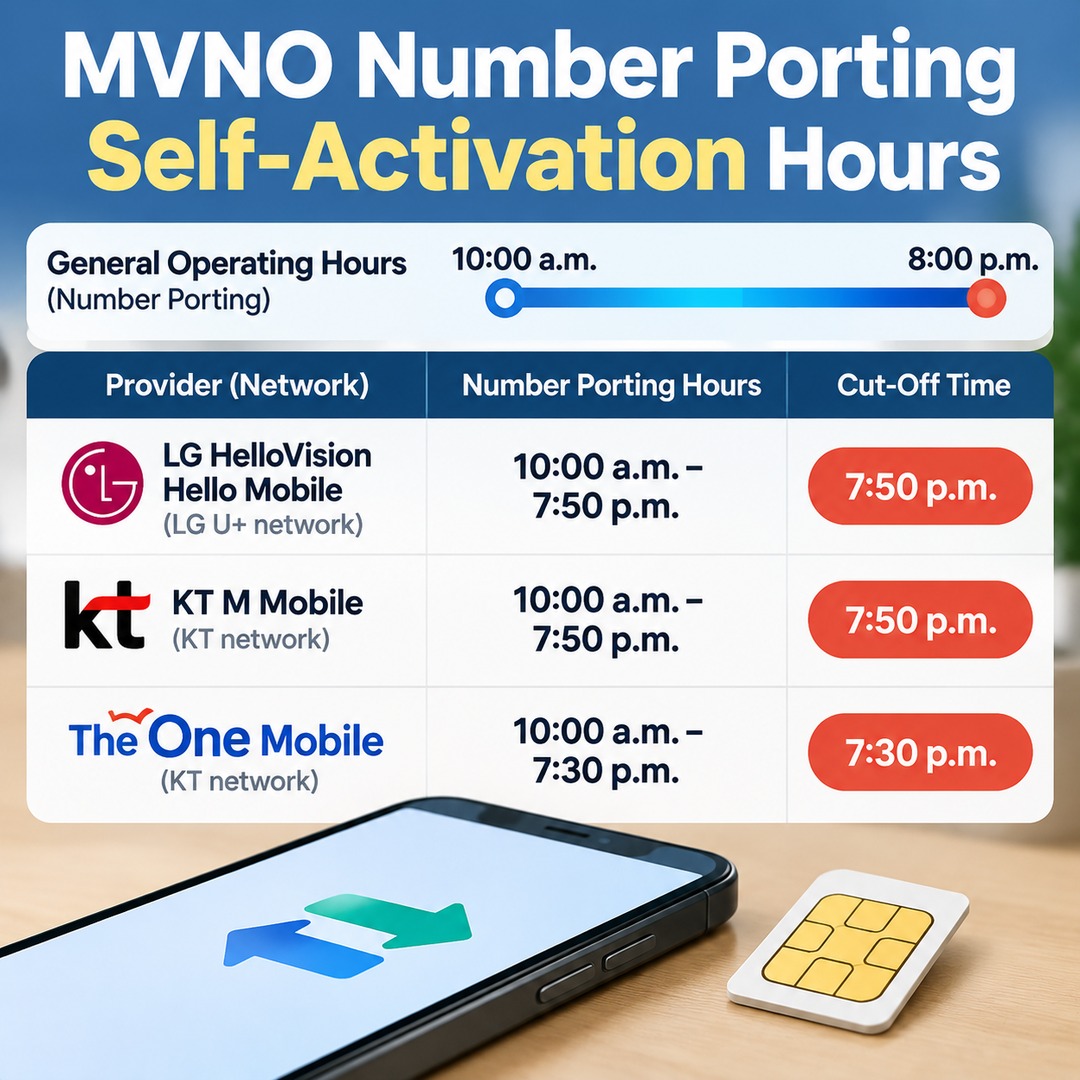
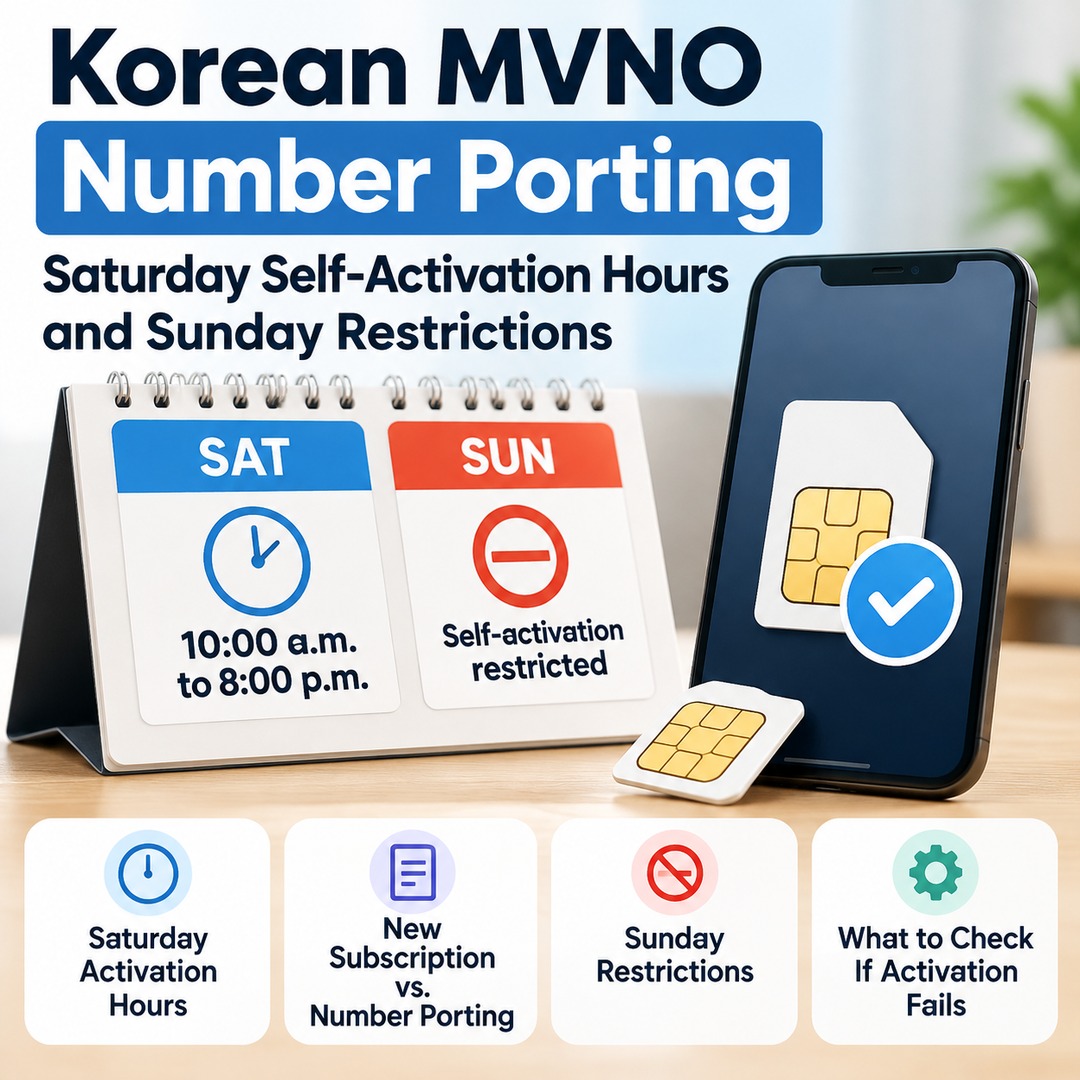
According to the Korea Association of Telecommunications Operators (KTOA), the operating hours for mobile number portability are from 10:00 a.m. to 8:00 p.m. Actual self-activation is also subject to each provider's application cut-off time and holiday schedule.
For example, provider-specific guidance includes the following hours:
LG HelloVision Hello Mobile, LG U+ network: Number porting from 10:00 a.m. to 7:50 p.m.
KT M Mobile: Number porting from 10:00 a.m. to 7:50 p.m.
The One Mobile, KT network: Number porting from 10:00 a.m. to 7:30 p.m.
Starting the process at 7:50 p.m. or just before 8:00 p.m. may leave insufficient time to complete activation. These are examples of individual providers' published hours, not a universal cut-off time for all MVNOs.
Why Is Self-Activation Through Number Porting Difficult on Sundays?
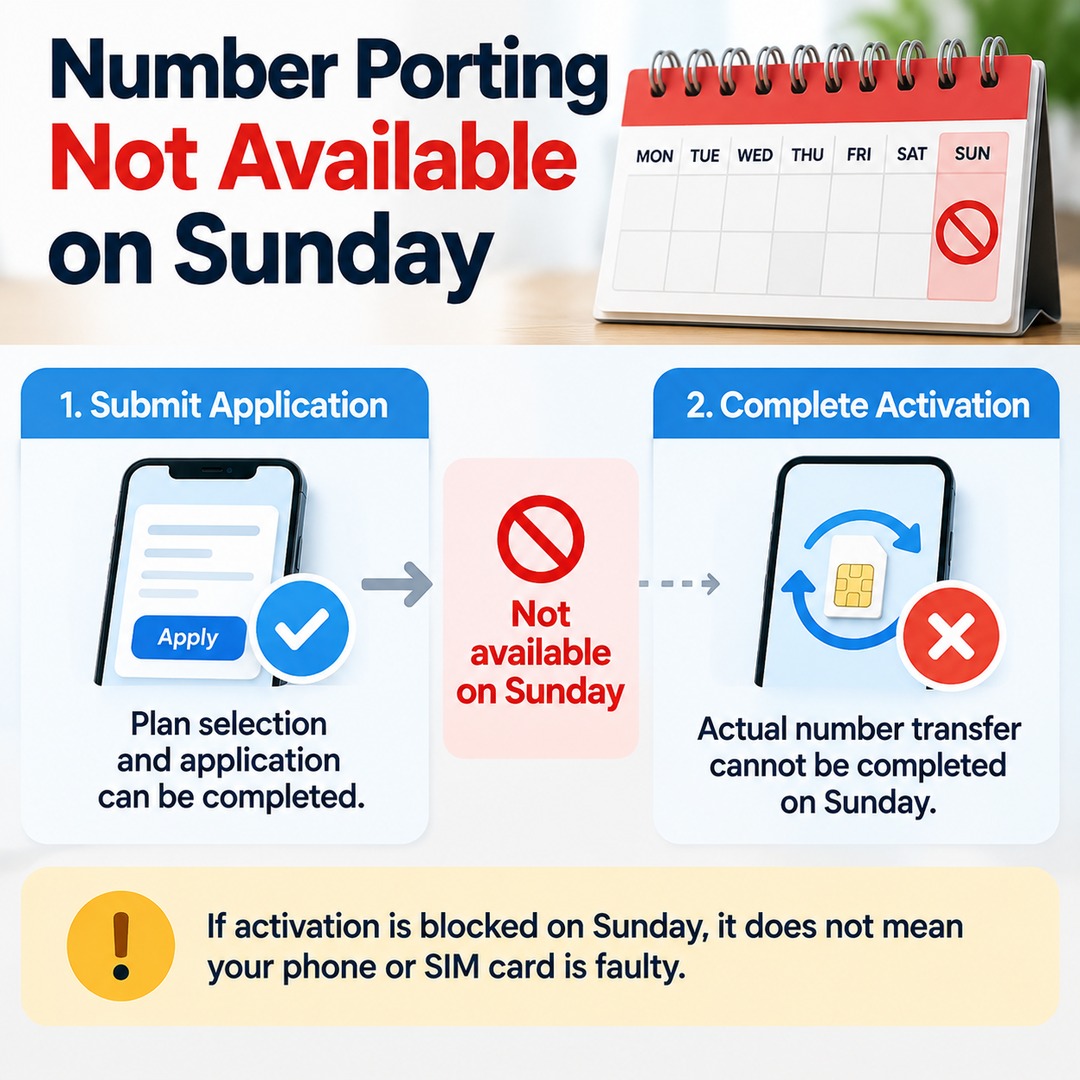
Sunday is a regular non-operating day for mobile number portability services. Because number porting means switching providers while keeping your existing phone number, it is important to distinguish between being able to fill out a subscription application and being able to complete the actual number transfer.
Even if you visit an MVNO's website, select a plan, and fill out an application, the process may be blocked at the actual activation stage on Sunday. This does not necessarily mean your phone or SIM card is faulty.
Why Can You Sign Up for a New Number but Not Transfer an Existing Number?
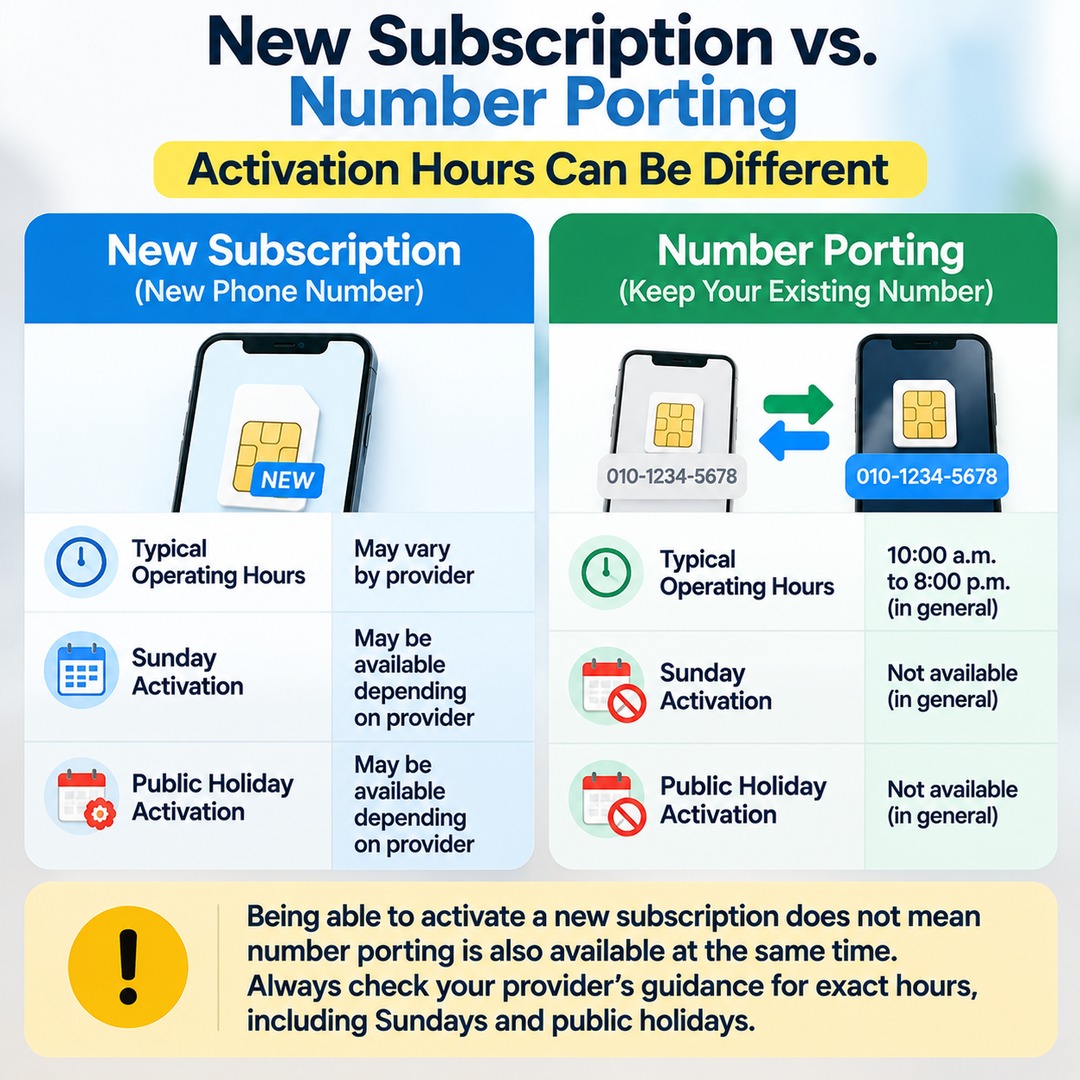
The activation hours for a new subscription, which provides a new phone number, may differ from those for number porting, which keeps your existing number. Being able to activate a new subscription at a particular time does not mean number porting is also available then.
| Category | New Subscription | Number Porting |
|---|---|---|
| Subscription type | Activation with a new number | Keep your existing number |
| General start time | Varies by provider | 10:00 a.m. |
| General cut-off | Varies by provider | By 8:00 p.m. |
| Day | New Subscription | Number Porting |
|---|---|---|
| Sunday | Available with some providers | Generally restricted |
The tables compare general operating arrangements and do not represent the hours of every provider. In particular, check your provider's guidance to confirm whether new subscriptions can be activated on Sundays and whether activation is available on public holidays.
What Should You Do If Saturday Activation Fails?
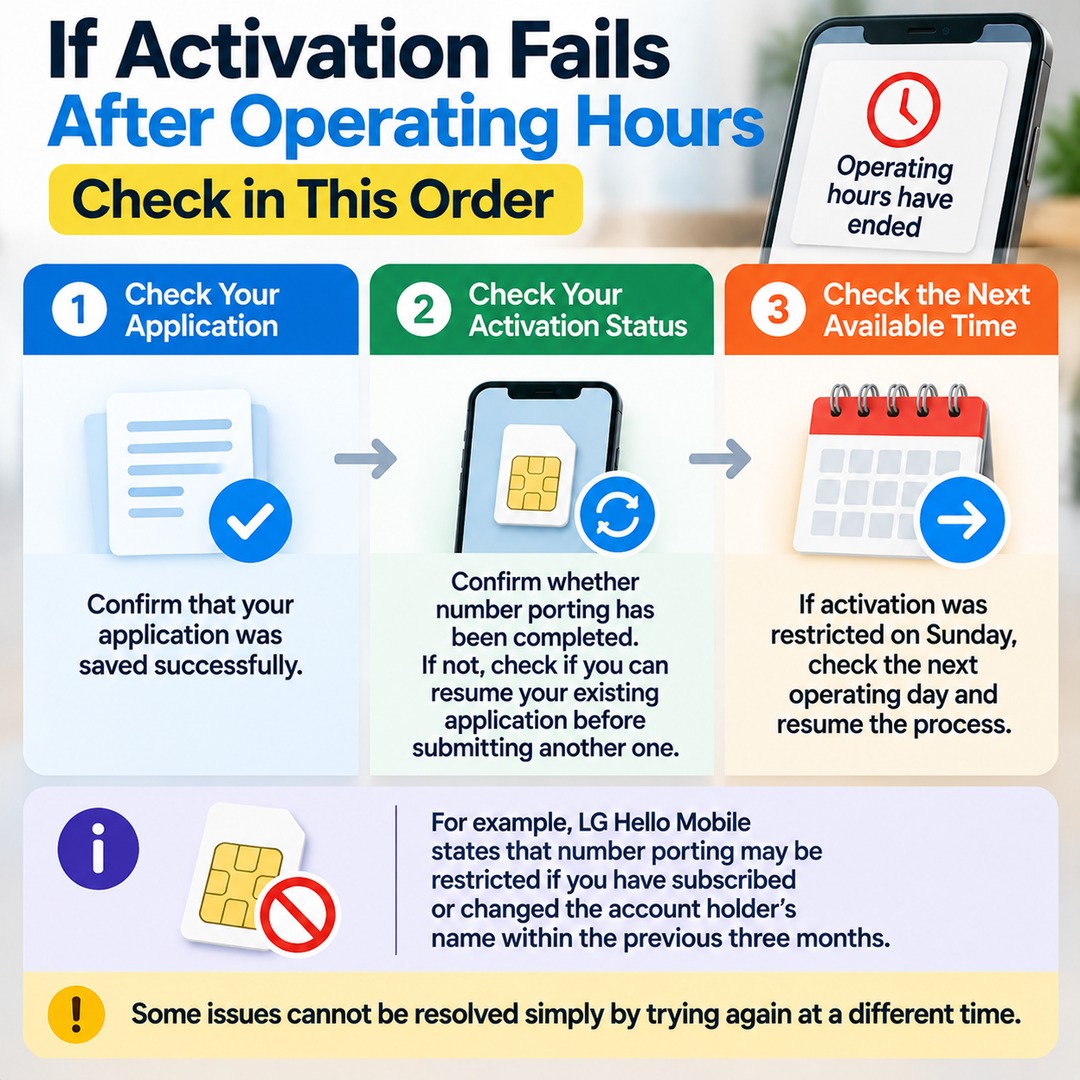
If you attempt self-activation late in the afternoon and see a notice that operating hours have ended, first distinguish between whether your application was submitted and whether activation was completed. Even if you have finished filling out the form or submitted your subscription request, the actual number transfer may still be pending.
Check the following in order:
1. Check your application: Confirm that your application was saved successfully.
2. Check your activation status: Confirm whether number porting has been completed. If it has not, check whether the provider offers a feature to resume an existing application before submitting another one.
3. Check the next available activation time: If activation was restricted on Sunday, check the next operating day and resume the process during the hours specified by your provider.
4. Check the reason for the restriction: Determine whether the problem is related to operating hours or to another issue, such as failed identity verification, unpaid charges with your previous provider, or a number-porting restriction period.
For example, LG Hello Mobile states that self-activation through number porting may be restricted if you have subscribed or changed the account holder's name within the previous three months. Some issues cannot be resolved simply by trying again at a different time.
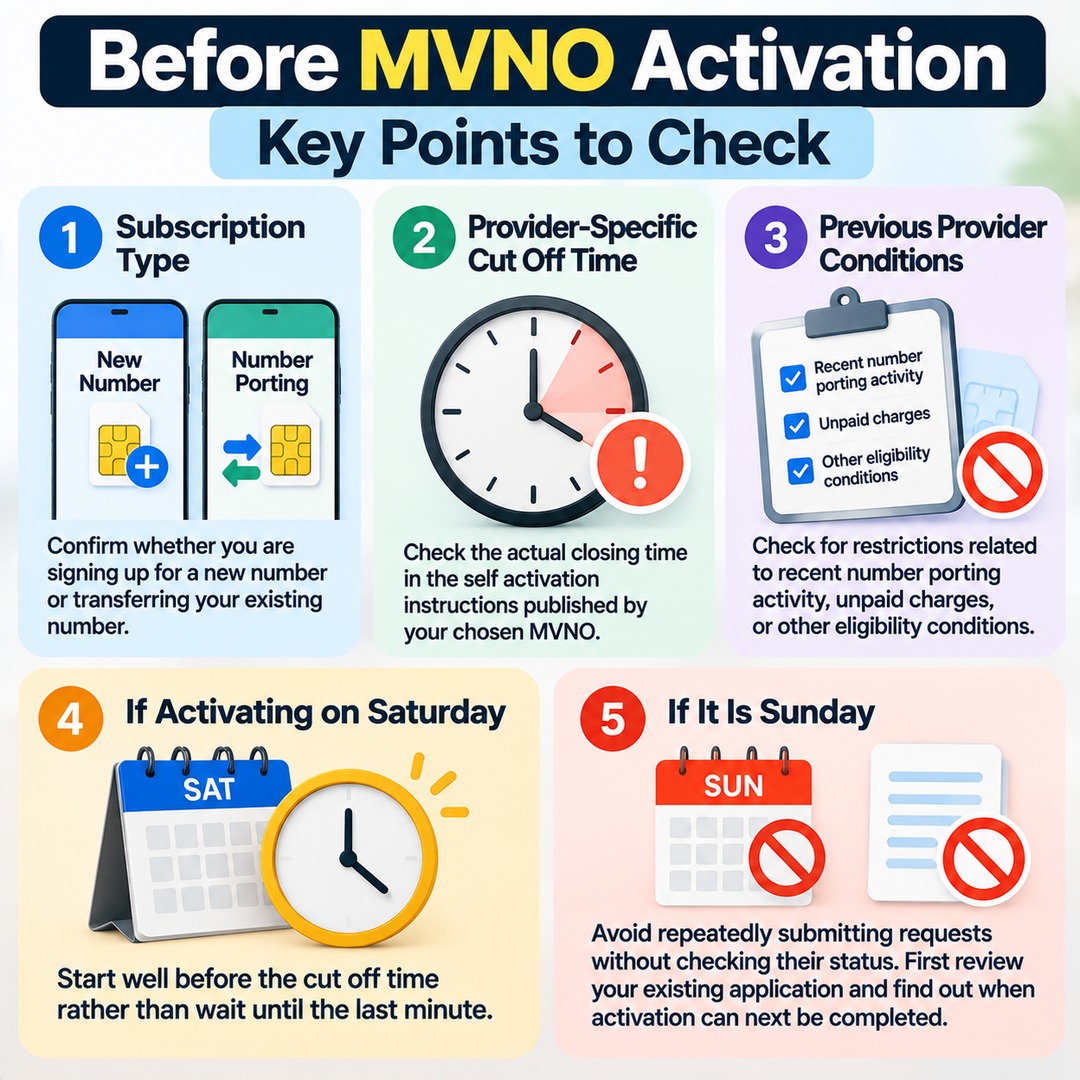
Three Things to Check Before Activation
Subscription type: Confirm whether you are signing up for a new number or transferring your existing number to another provider.
Provider-specific cut-off time: Check the actual closing time in the self-activation instructions published by your chosen MVNO.
Conditions imposed by your previous provider: Check for restrictions related to recent number-porting activity, unpaid charges, or other eligibility conditions.
If you need to activate your service on a Saturday evening, it is safer to start well before the cut-off rather than wait until the last minute. If it is Sunday, avoid repeatedly submitting requests without checking their status. First review your existing application and find out when activation can next be completed.